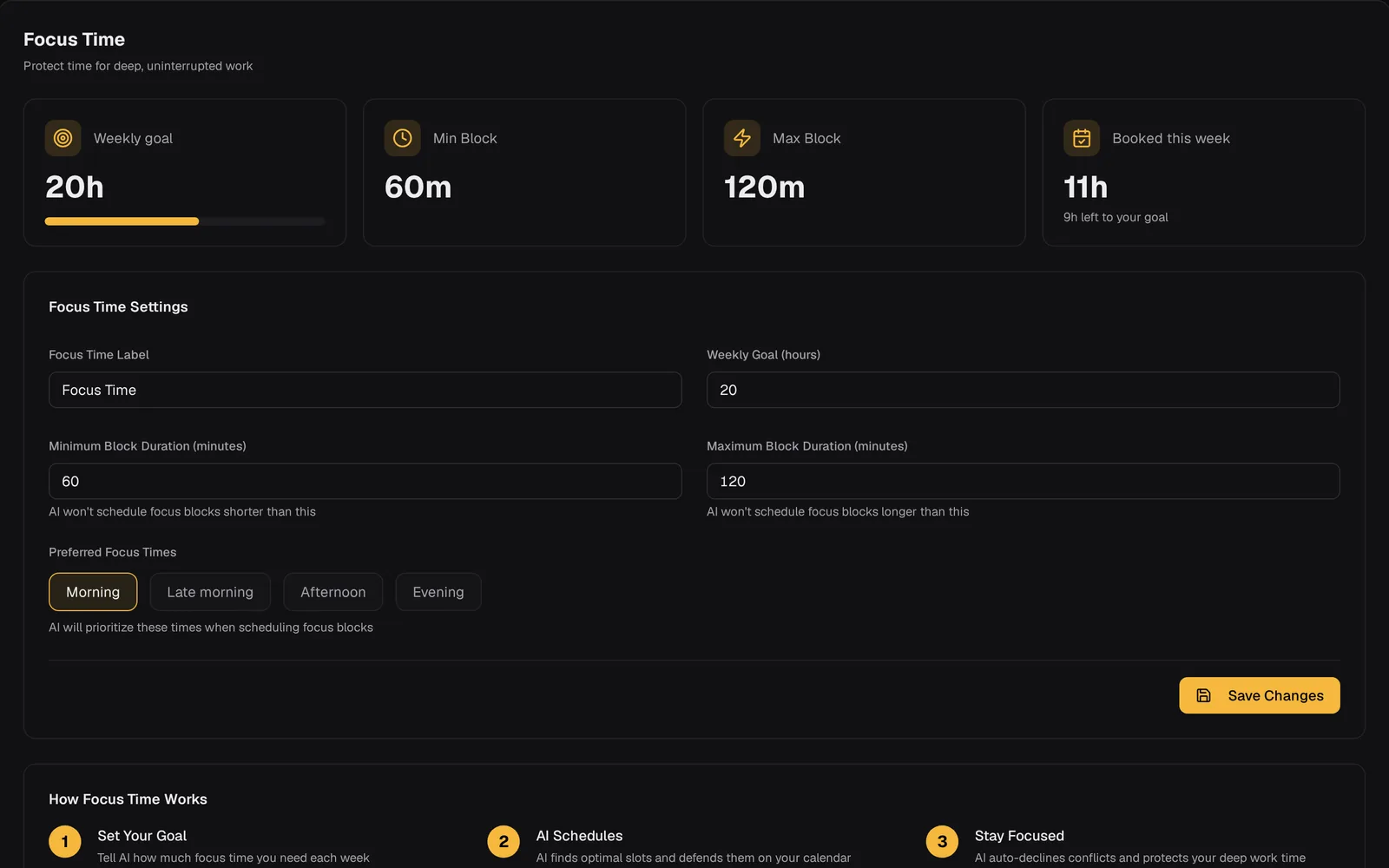
An AI bot for freelance developers that keeps clients and repos in order
Code more. Triage less.
A bot sorts issues, runs the tests on a clean machine, checks staging in a real browser and writes the weekly client update.
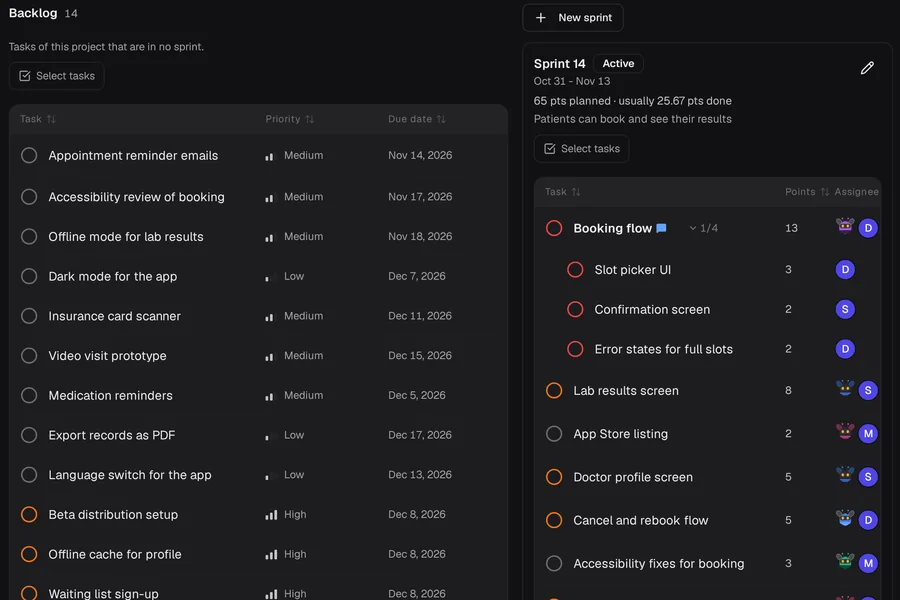
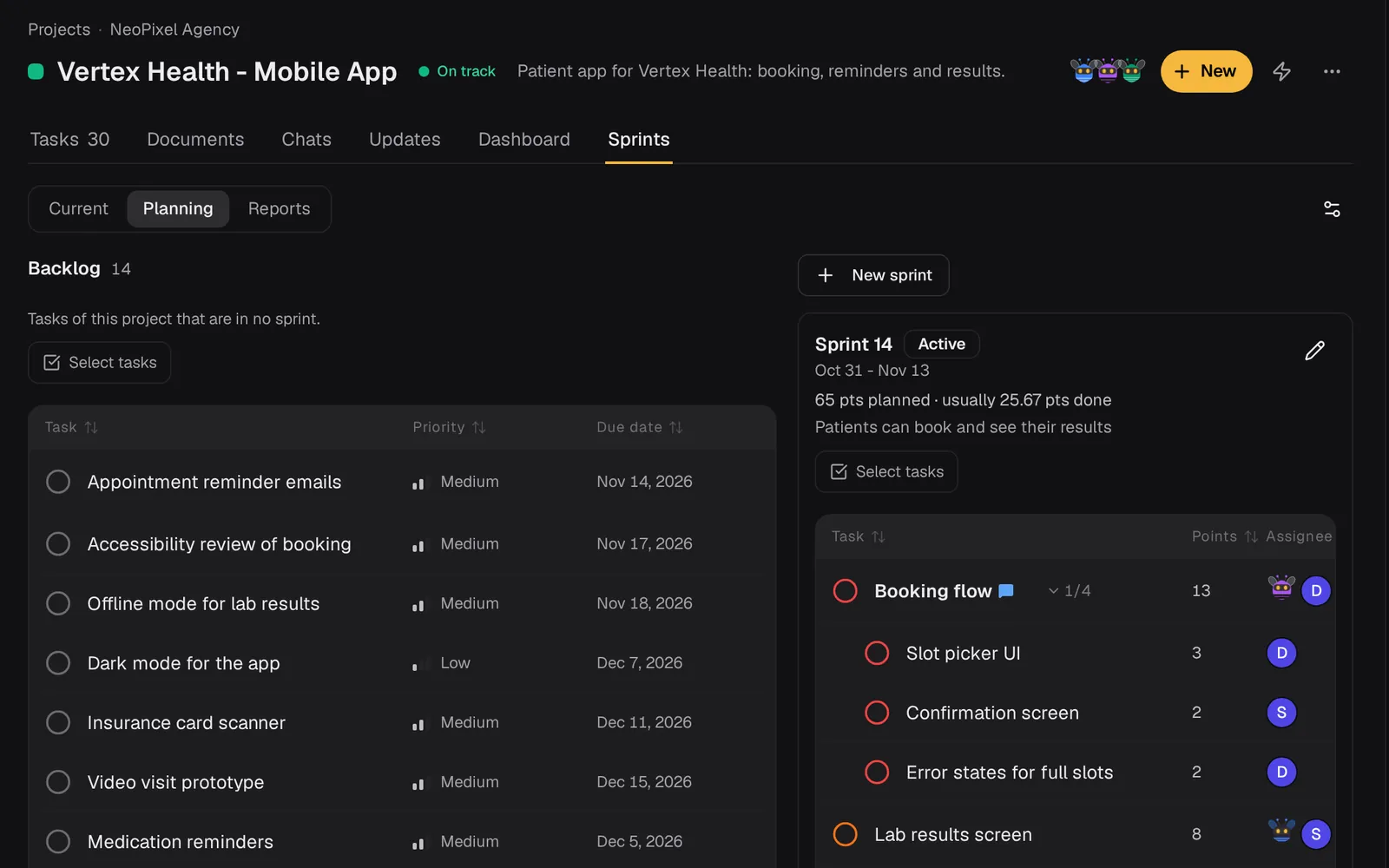
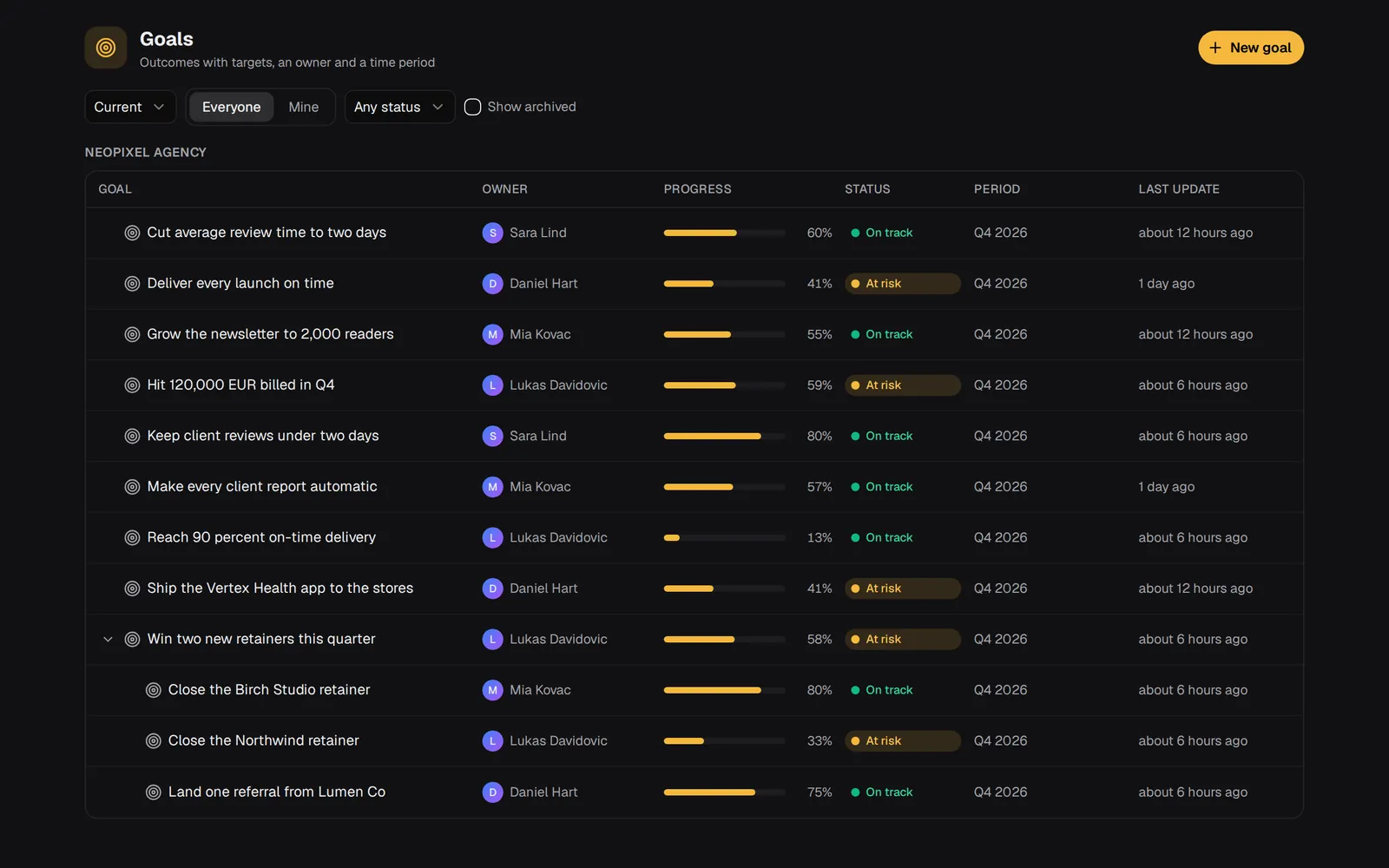
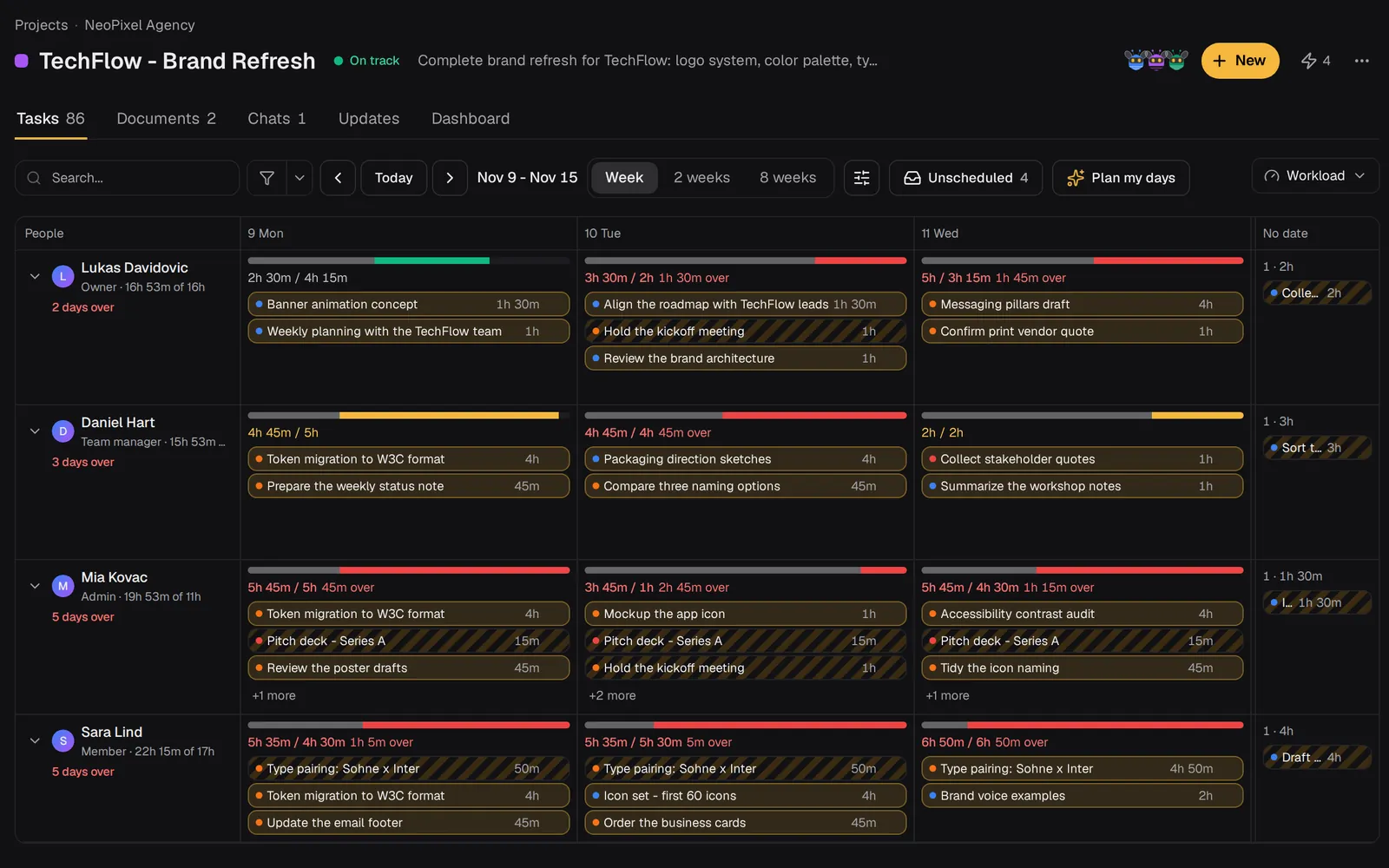
Sprints without ceremony
A backlog and sprints side by side.
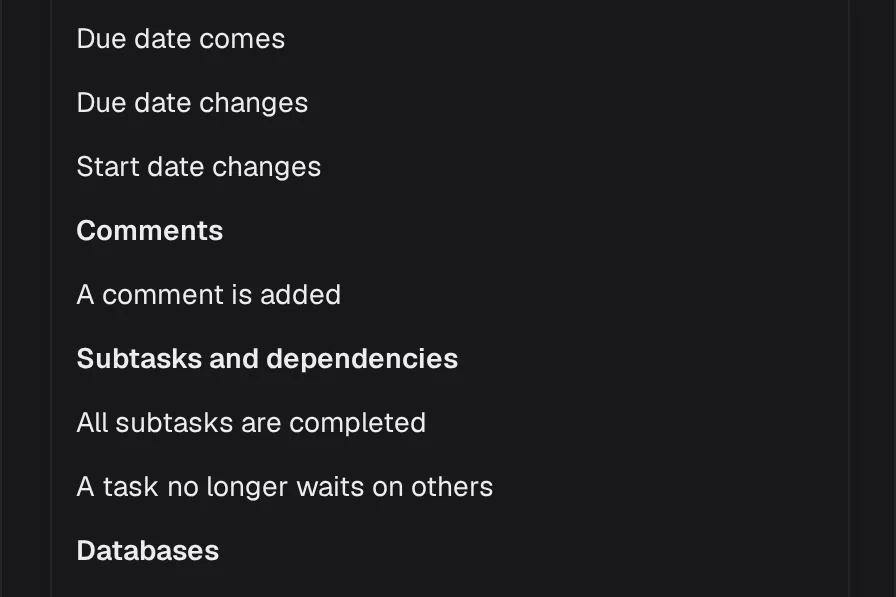
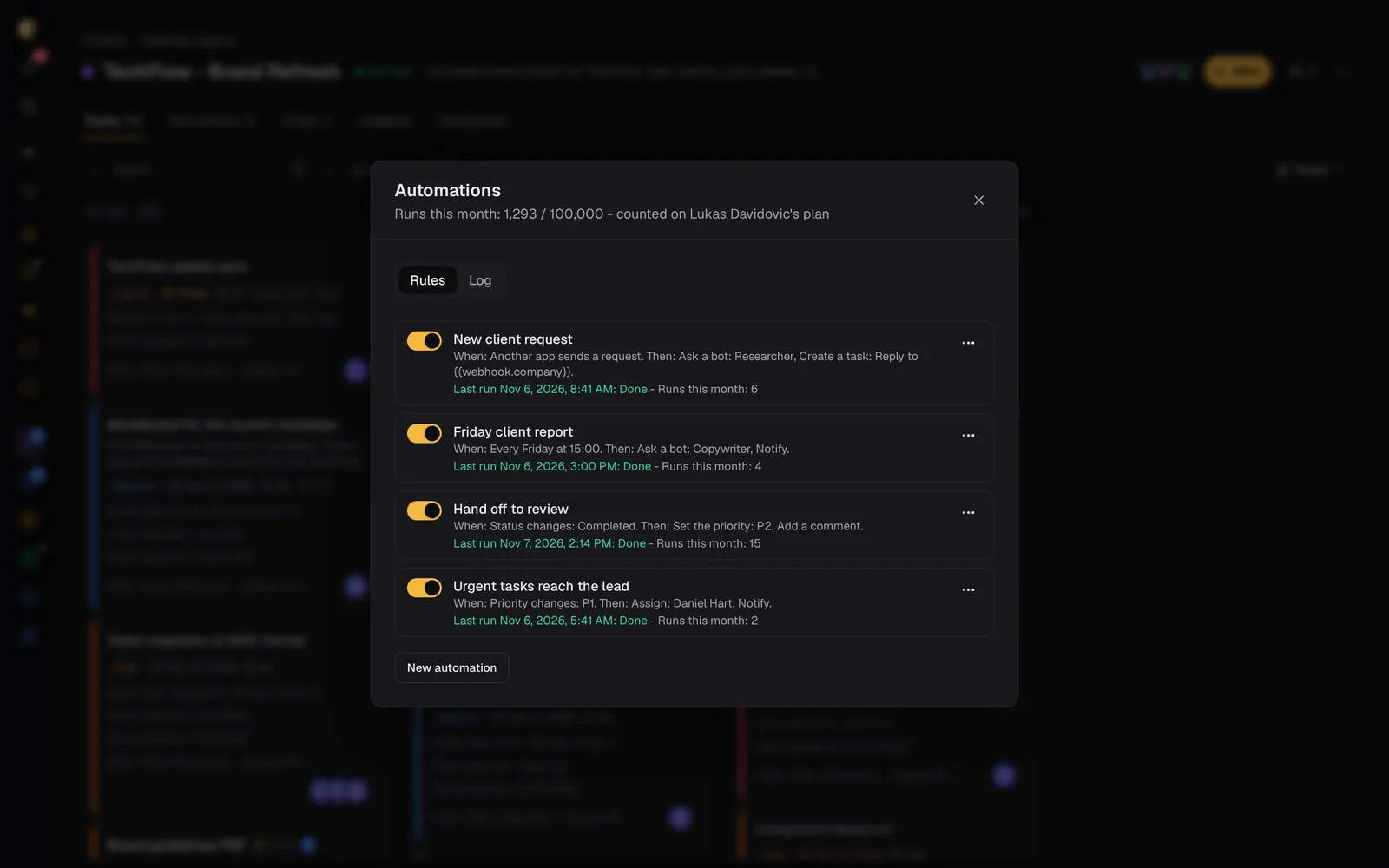
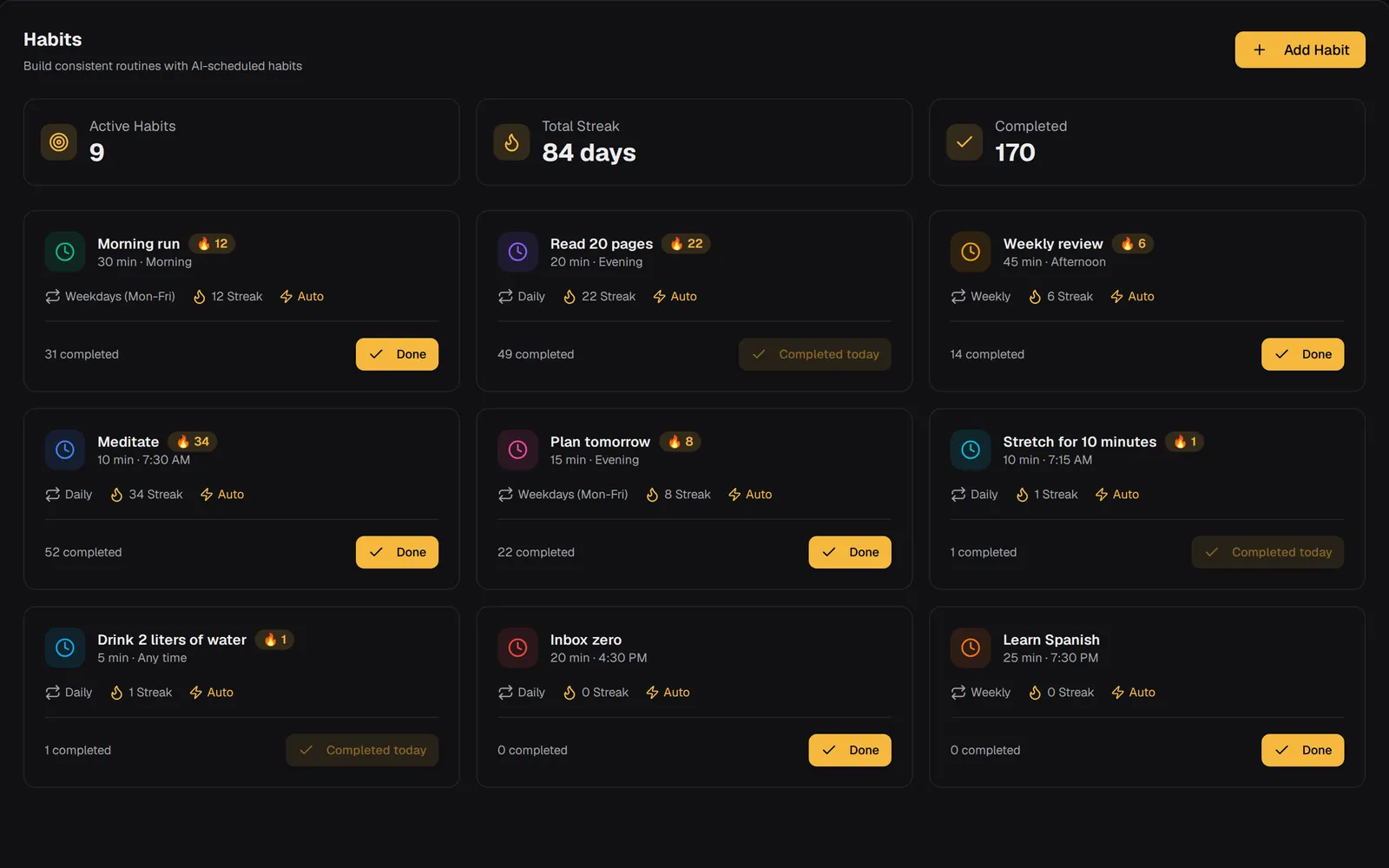
Rules that run themselves
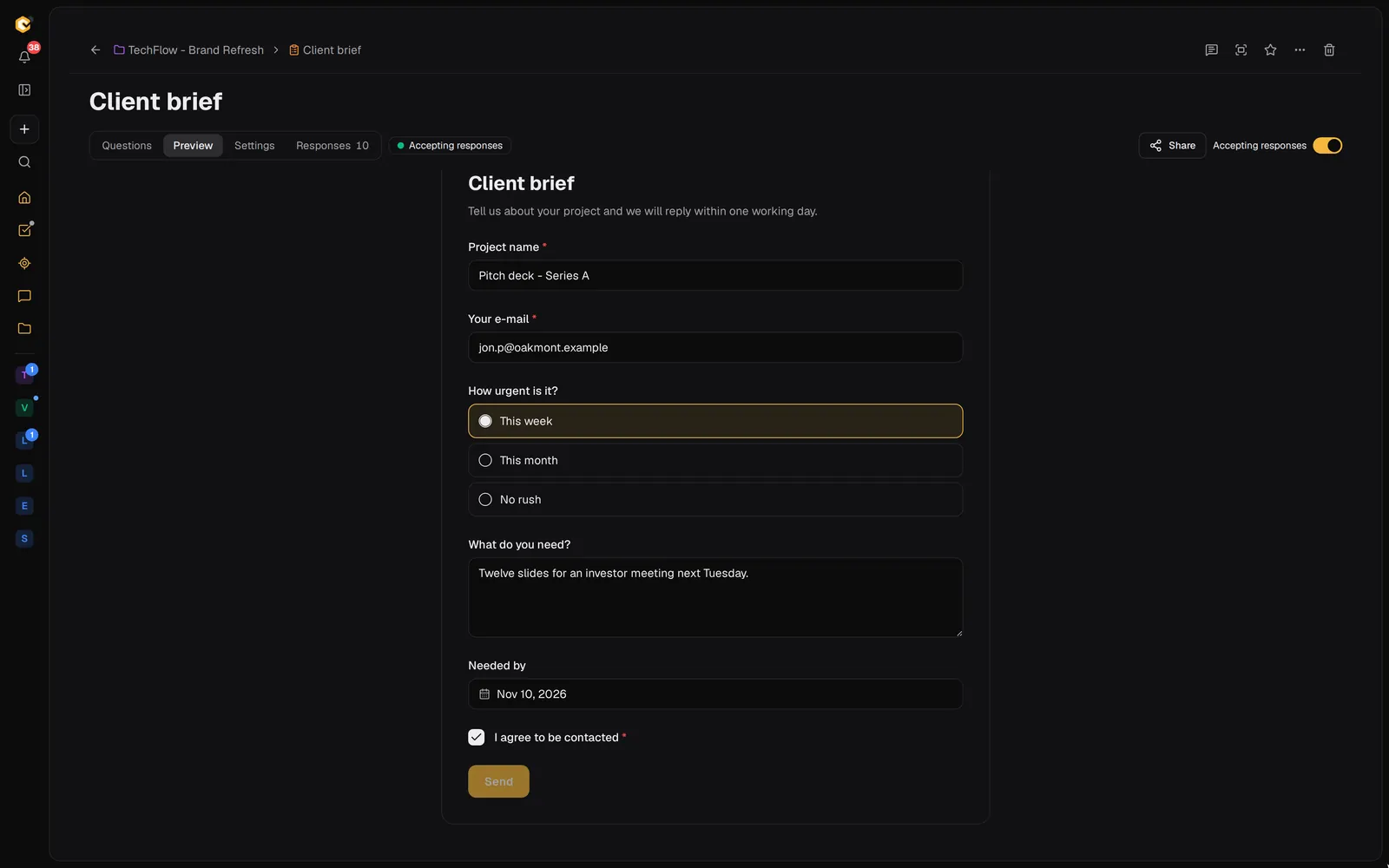
Another app can start one with a web request.

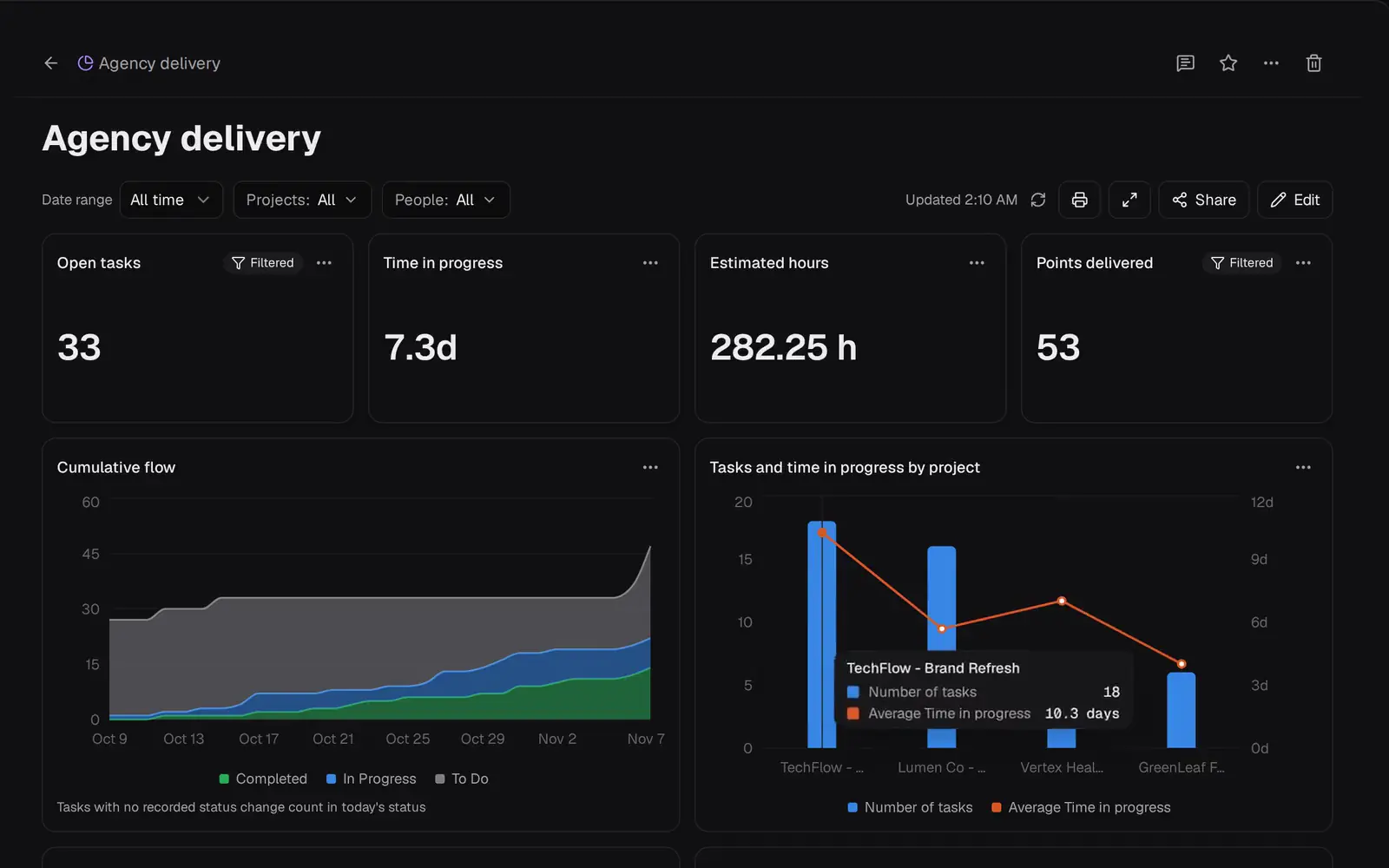
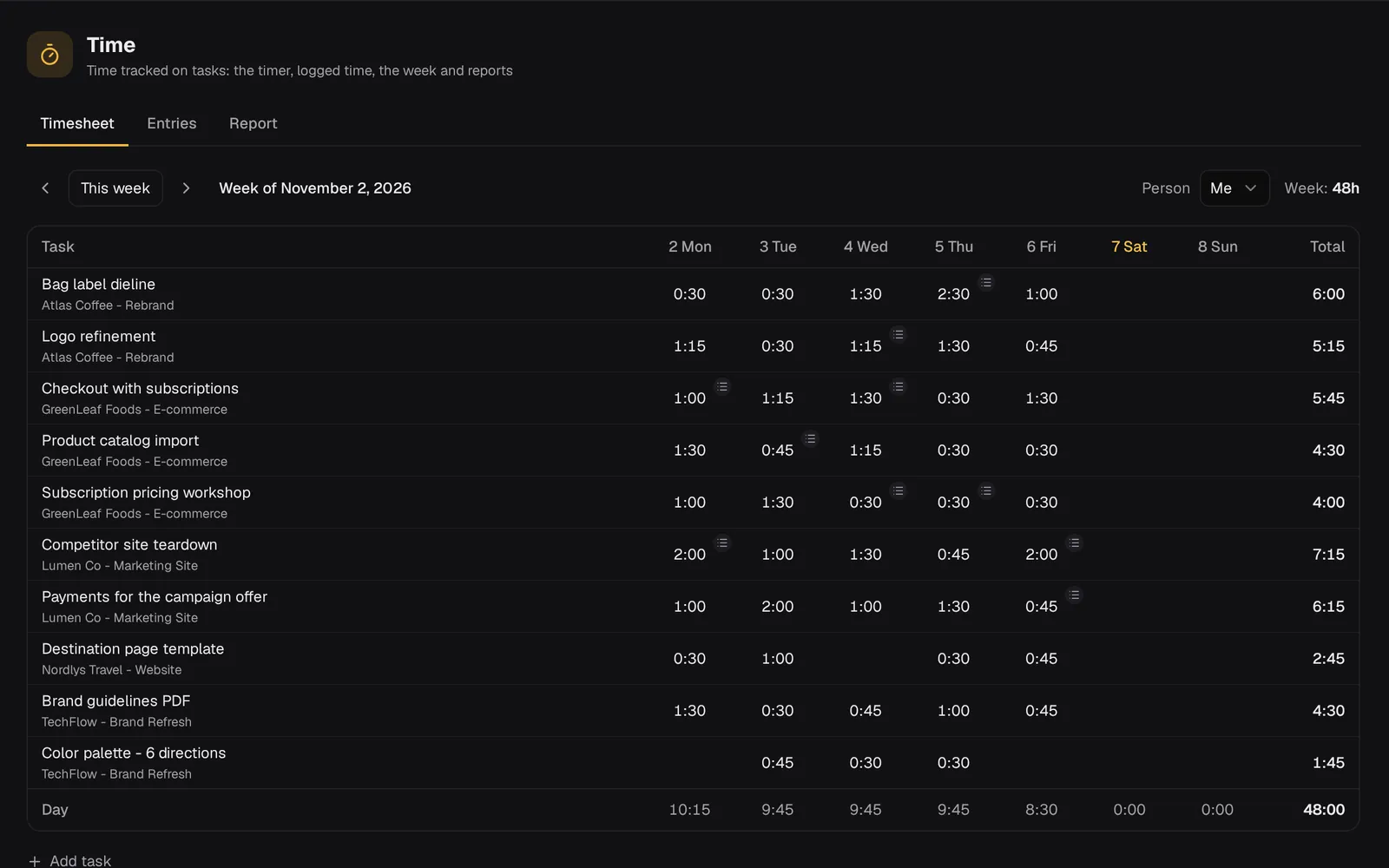
Hours that add up
A weekly timesheet by task and day.
Short answer
Freelance developers use BusyBee.Day bots with GitHub to read repositories and triage issues and pull requests, and with the bot computer (Pro and above) to clone a repo, run tests and check a staging site in Chrome. Bots then turn findings into tasks and write the client update in plain language.
Tasks developers hand off
What to set up
- Connect GitHub with a fine-grained personal access token that only covers the repositories this client needs.
- Limit the connection to the client's project.
- Keep changes to repositories behind approval; GitHub actions that are not read-only ask first by default.
- Use Cloudflare if you manage the client's DNS or Workers.
Questions and answers
Can the bot push code?
With a token that allows it, GitHub's MCP server can create branches, commits and pull requests. Those actions ask for your OK by default.
Where does the code run?
On the project's isolated cloud computer, not on your machine and not on BusyBee.Day's servers.