Focus Time
Deep work gets booked first.
Set a weekly goal and your calendar keeps time free for it, in the blocks and at the time of day that suit you.
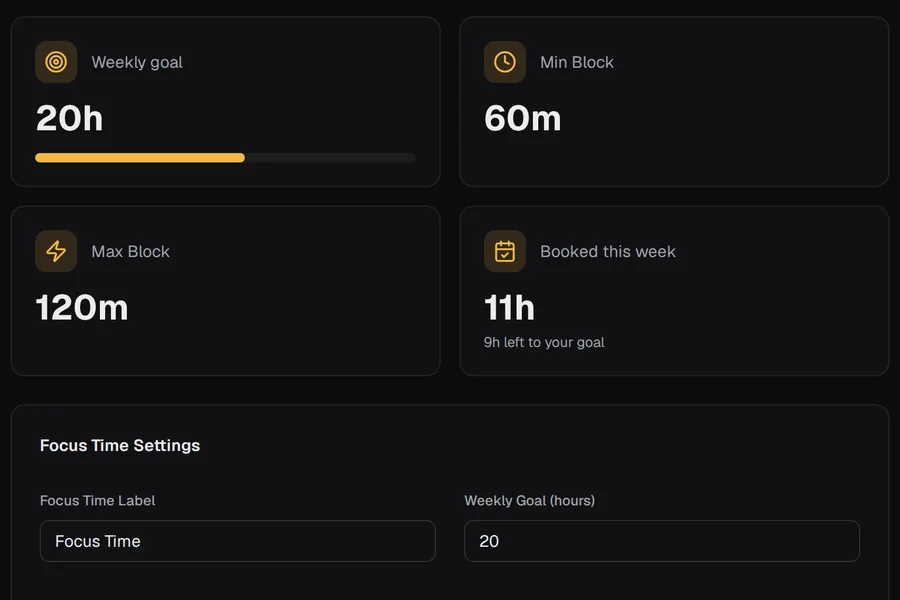
A goal in hours
Say how much deep work the week should hold.
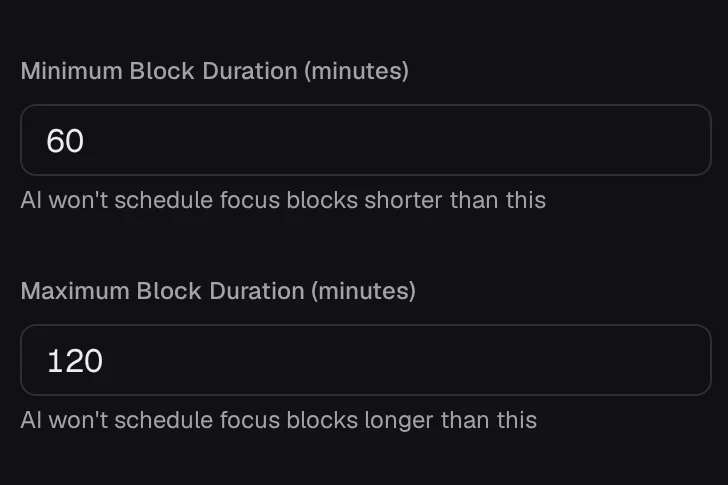
Blocks that make sense
A shortest and a longest block, so no useless ten minutes.
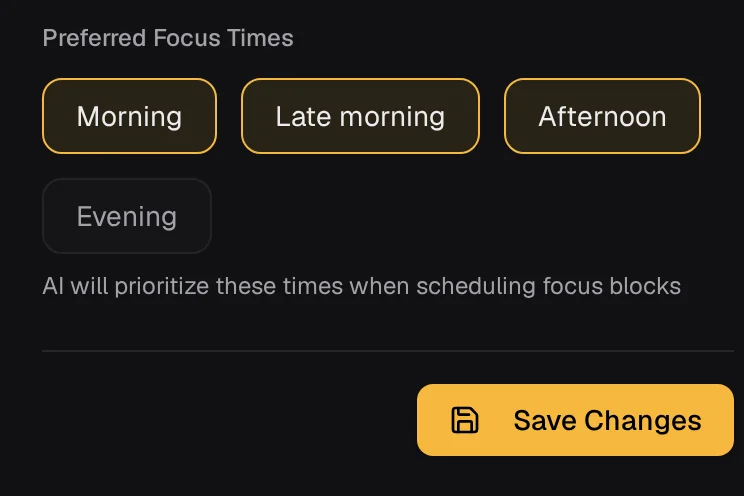
Your best hours
Morning, afternoon or evening, you choose.
With a bee on it
Or hand it to a bee.
Every bot can work here too, with the same tools you have. Say what you need and go do something else.
Quick answer
What is Focus Time?
Set a weekly focus goal in hours, block lengths and a preferred time of day on the Focus Time page. To hold the time on your calendar, add a deep-work habit or a locked task: auto-schedule books habits before tasks and never moves locked tasks, so other work is planned around them.
Focus time is uninterrupted time for demanding work, planned ahead like a meeting so it does not get used up by smaller things.
Everything included
Capabilities at a glance
- A weekly focus goal in hours
- Shortest and longest block length
- Preferred time of day: morning, afternoon or evening
- Bots can read and change your focus settings
- Deep-work habits are booked before tasks by auto-schedule
- Locked tasks keep their time when the week is planned again
How it works
How to plan focus time in BusyBee.Day
- 1
Open Focus Time
Open Focus Time from the More menu and set your weekly hours, block lengths and preferred time of day.
- 2
Add a deep-work habit
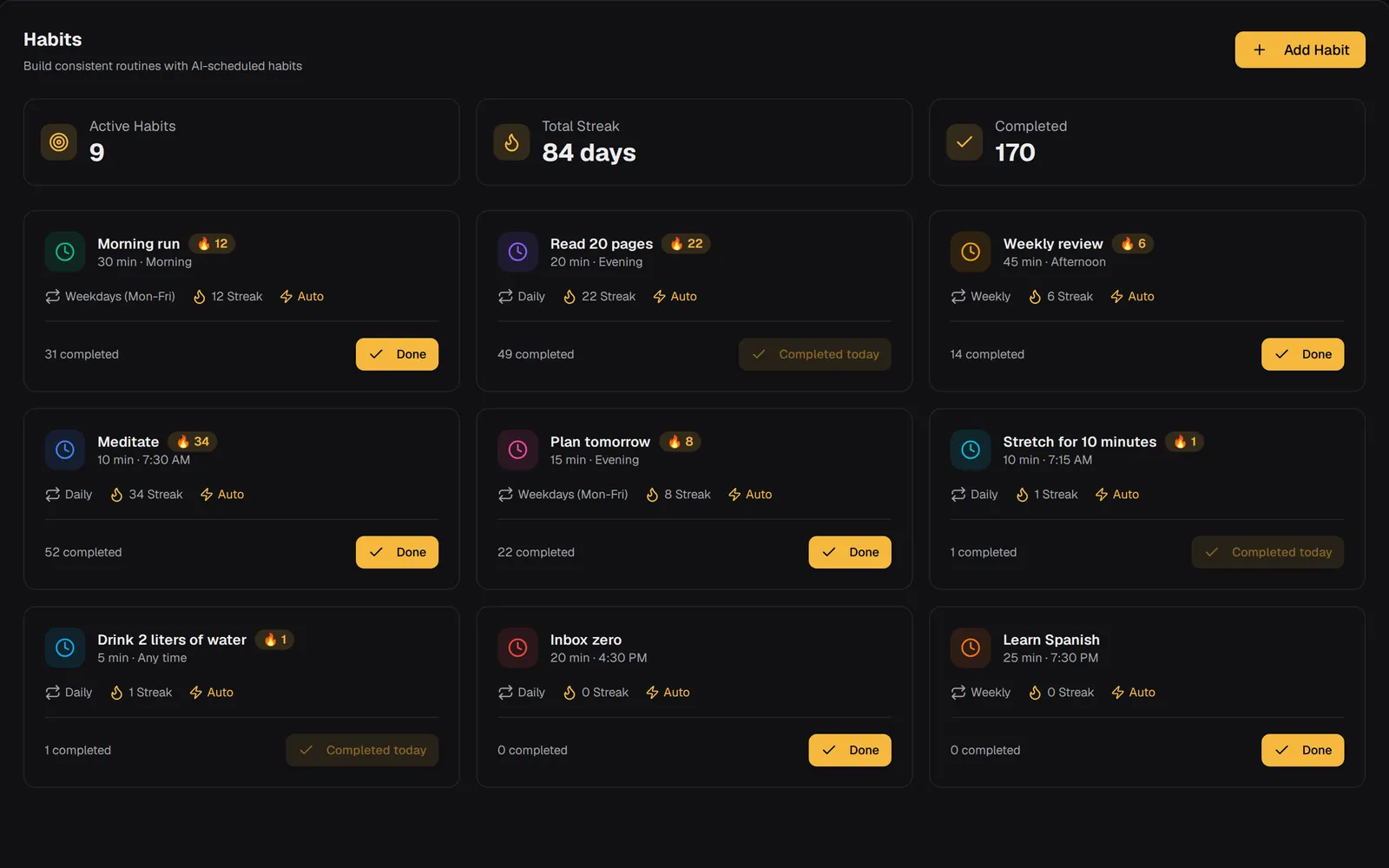
In Habits, add "Deep work" with a duration, Weekdays and a morning preference, with auto-schedule on.
- 3
Or lock a task
Put a deep-work task on the calendar at the time you want and lock it.
- 4
Auto-schedule the rest
Press Auto-schedule in Tasks > Calendar. Habits are booked first and locked tasks stay put, so other tasks go into the time that is left.
Use cases
Who uses Focus Time?
Engineers
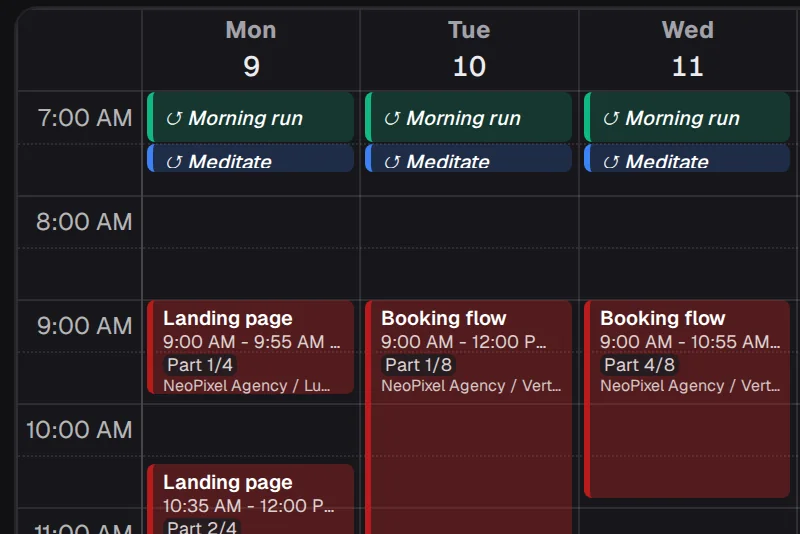
A "Deep work" habit on weekday mornings, 2 hours long. Auto-schedule plans the rest of the day's tasks after it.
Writers
A weekly writing habit on Friday mornings that the rest of the week is planned around.
Founders in meeting-heavy weeks
Lock the few free mornings as focus tasks so auto-schedule does not fill them.
Comparison
Focus Time in BusyBee.Day vs Reclaim vs Notion
| Capability | BusyBee.Day | Reclaim.ai | Notion |
|---|---|---|---|
| Weekly hours goal | Yes | Yes | No |
| Books focus blocks on its own | No - use a habit or a locked task | Yes | No |
| Tasks planned around held time | Yes (auto-schedule) | No longer; it suggests tasks inside Focus Time | No |
| Built into a task and project app | Yes | No (add-on) | No |
| Free plan | Yes | Limited | Focus events in Notion Calendar (Google Workspace accounts) |
Comparison reflects publicly listed features and pricing as of November 5, 2026. Subject to change.
FAQ
Frequently asked questions
Written by the BusyBee.Day product team. Productivity software product team at BusyBee.Day. Last reviewed November 5, 2026.
What is focus time?
Focus time is a block of uninterrupted work scheduled on your calendar like a meeting, so deep work survives a busy week.
Does BusyBee.Day book focus blocks for me?
Not from the Focus Time settings. Auto-schedule books habits and plans tasks, so add deep work as a habit with auto-schedule on, or as a task locked at its time, and other tasks are planned around it.
Can bots use my focus settings?
Yes. Bots can read and change them with the get_focus_time and update_focus_time tools, for example when you ask a bot to plan your week.