Databases
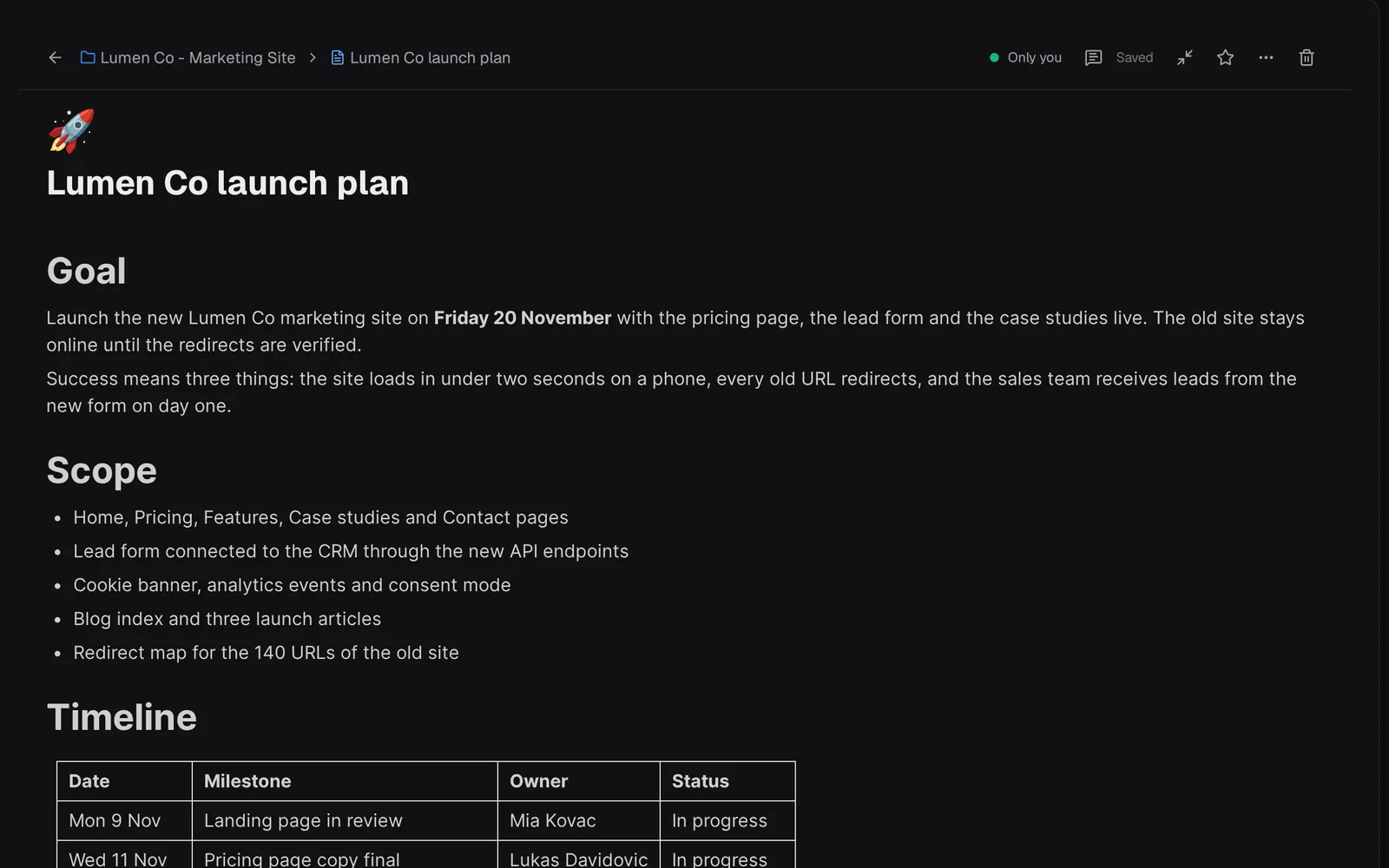
Change one cell. Watch the pipeline answer.
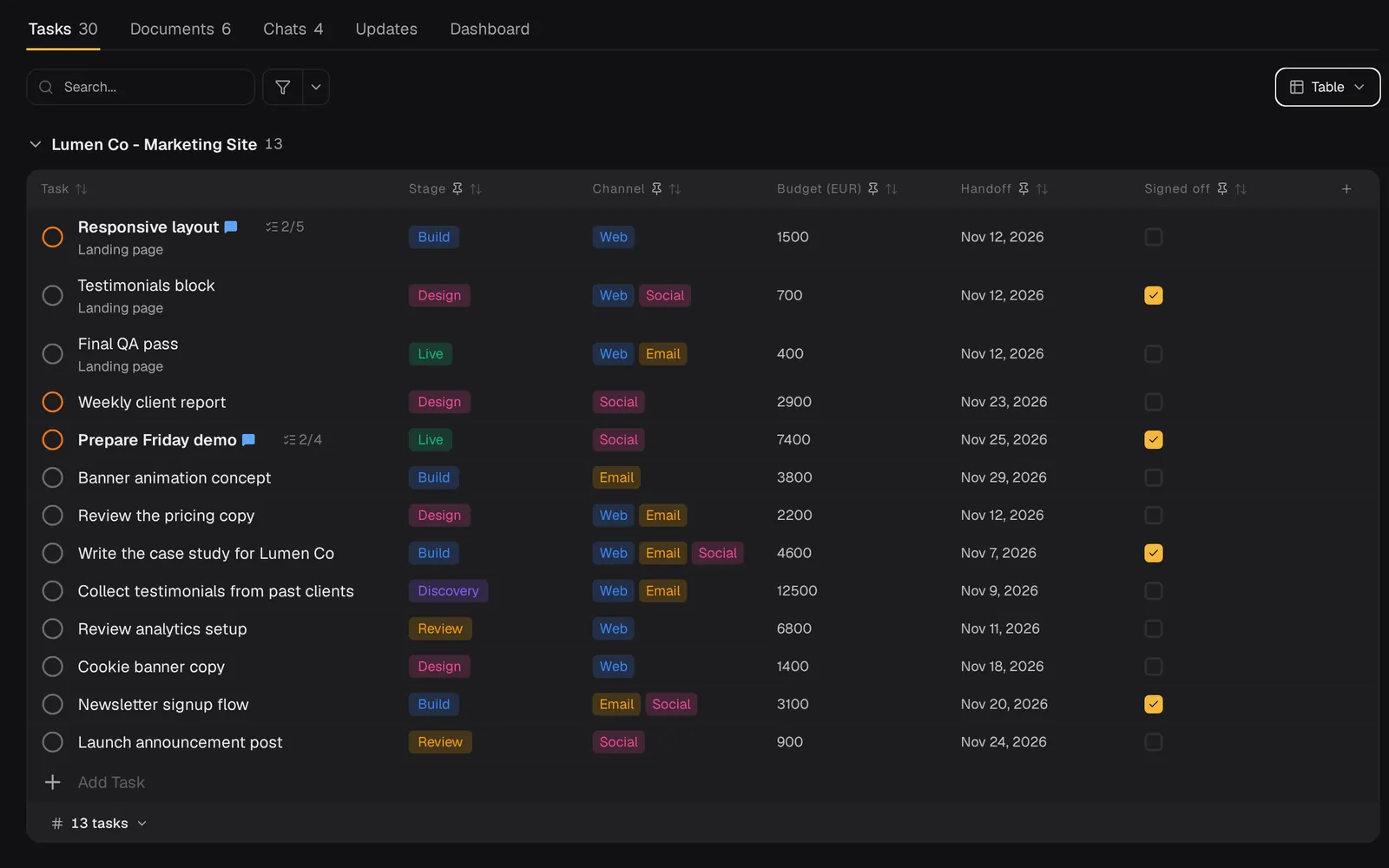
Spreadsheet keys, 25 field types, formulas, relations, rollups and saved views, in the project they belong to.
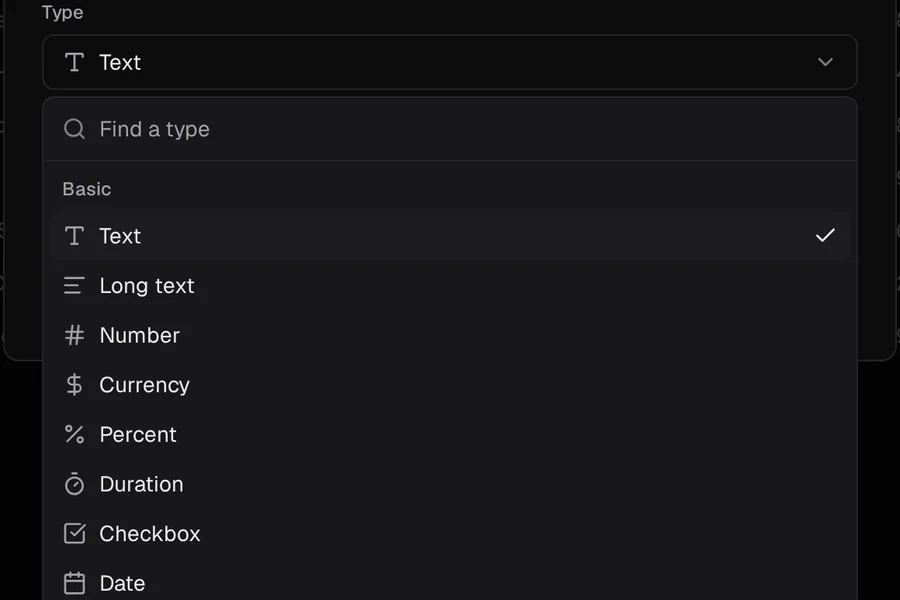
25 field types
From text and numbers to relations, rollups and formulas.
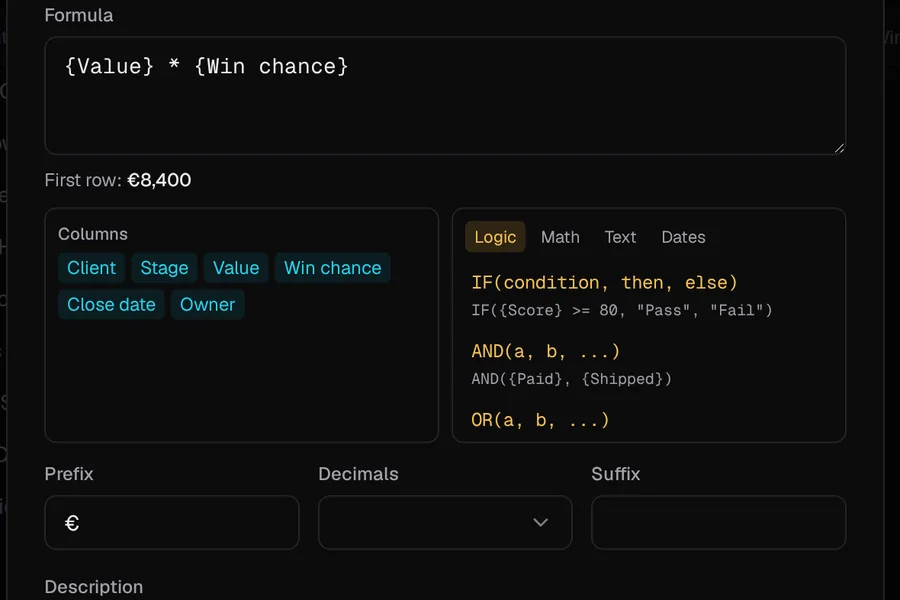
Formulas you already know
Column references with IF, SUM, DATEADD and more.
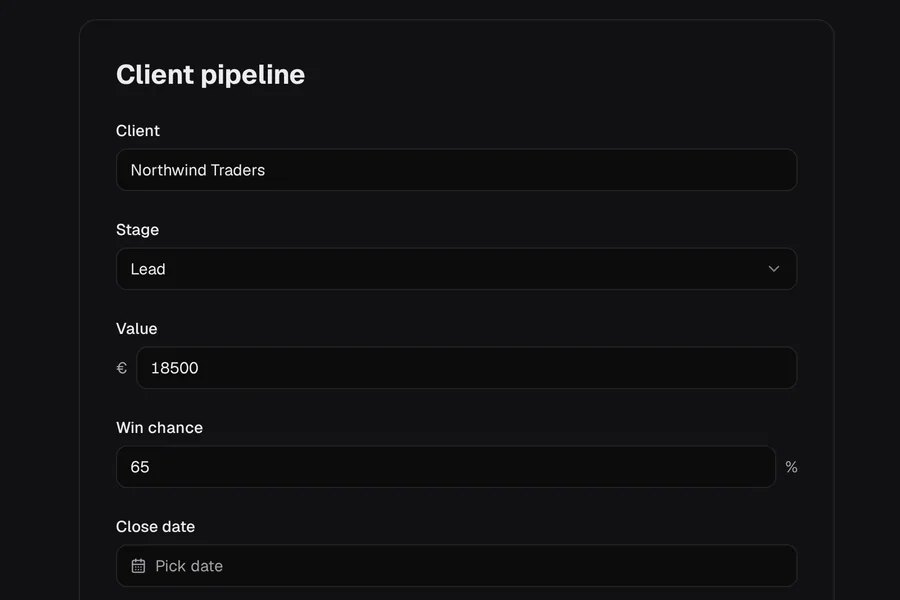
A form that fills it
Each answer lands as a row.
With a bee on it
Or hand it to a bee.
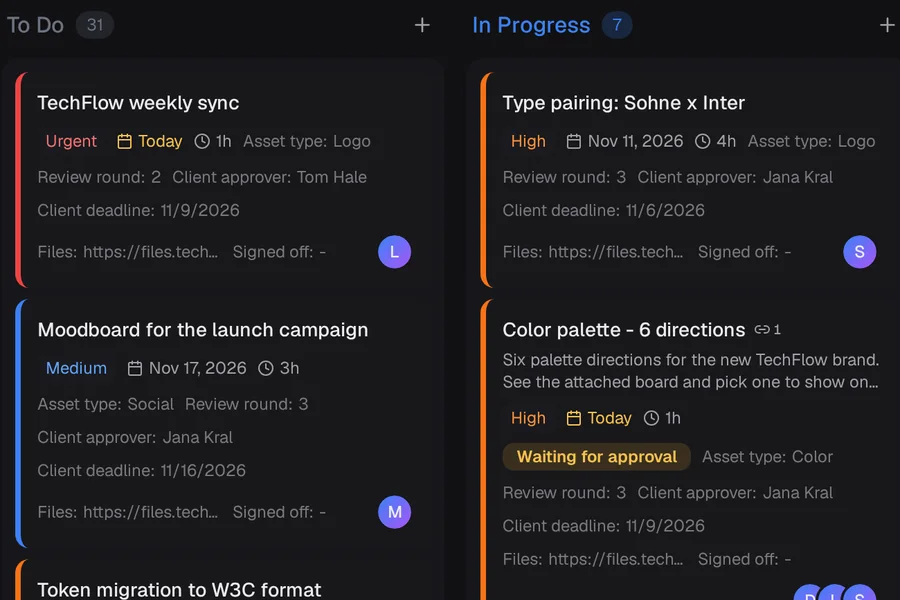
Every bot can work here too, with the same tools you have. Say what you need and go do something else.
Quick answer
What is Databases?
Create a Database like any document and edit it like a spreadsheet: arrows, Tab, Enter, copy and paste to and from Excel or Google Sheets. Columns have types, formulas compute values, relations link rows between databases and rollups sum them up. Saved grid views keep filters, sorts and grouping. Import and export CSV. Databases are on Basic and up.
A database in BusyBee.Day is a grid of rows and typed columns for data that has no status or due date. Unlike a spreadsheet, each column has a type and rows can link to rows in other databases.
Everything included
Capabilities at a glance
- 25 field types, from text and numbers to relations, rollups and formulas
- Spreadsheet keys: arrows, Tab, Enter, F2, Ctrl+D to fill down, undo
- Formulas with {Column} references and functions such as IF, SUM and DATEADD
- Relations between databases, with back-links
- Rollups and lookups across linked rows
- Footer summaries: sum, average, median, min, max and counts
- Saved grid views with filters, sorts and grouping
- Paste from Excel or Sheets; import and export CSV
How it works
How to create and use a database in BusyBee.Day
- 1
Create the database
In a project or on the Documents page, create a Database.
- 2
Define columns
Add a column and pick its type: text, number, date, select, relation, formula and so on.
- 3
Fill it in
Type, paste rows copied from Excel or Google Sheets, or import a CSV file.
- 4
Add formulas
A formula column computes from other columns, for example {Price} * {Quantity}.
- 5
Save views
Filter, sort and group, then save the grid as a view.
Use cases
Who uses Databases?
CRM lite
Contacts and companies as two databases linked by a relation; a rollup counts the contacts of each company.
Inventory & assets
Equipment with serial number, owner, purchase date and value; a formula works out its age.
Content plan
Posts with title, channel, status and publish date, grouped by channel.
Weekly metrics
One row per week with revenue and signups; a formula computes the change.
Comparison
BusyBee.Day Database vs Airtable vs Notion databases
| Capability | BusyBee.Day Database | Airtable | Notion DB |
|---|---|---|---|
| Grid with typed fields | Yes (25 types) | Yes (28 types) | Yes (20+ types) |
| Formulas | Yes | Formula field | Formula field |
| Linked records / relations | Yes | Yes | Yes |
| Rollups & summaries | Yes | Yes | Yes |
| Next to tasks & docs in the same app | Yes | Tasks as records; rich text only in long-text fields | Yes (same app) |
| Starting paid plan | $10/mo (Basic, up to 7 members) | $20/user/mo (Team, annual) or $24 monthly | $10/user/mo ($12 monthly) |
Comparison reflects publicly listed features and pricing as of November 5, 2026. Subject to change.
FAQ
Frequently asked questions
Written by the BusyBee.Day product team. Productivity software product team at BusyBee.Day. Last reviewed November 5, 2026.
How is BusyBee.Day Database different from a spreadsheet?
Spreadsheet cells take anything. A BusyBee.Day Database has typed columns: number columns hold numbers, date columns hold dates, select columns offer set options. Rows can also link to rows in other databases.
Can I import data from Airtable or Notion?
Export the data as CSV and import the file into a BusyBee.Day Database with Import CSV, or paste the rows from a spreadsheet.
What formula functions are supported?
Logic (IF, AND, OR, NOT, SWITCH, ISBLANK), math (SUM, AVERAGE, MIN, MAX, ROUND, ABS, MOD and more), text (CONCAT, UPPER, LOWER, LEN, LEFT, RIGHT, SUBSTITUTE, TRIM and more) and dates (NOW, TODAY, YEAR, MONTH, DAY, DATEADD, DATETIME_DIFF and more), with + - * / % & and comparisons.
Can I link a database row to a task?
The link goes from the task: a relation custom field on tasks links a task to rows of a Database.
Does a database have board / calendar / gallery views?
No. A Database is a grid with saved grid views. Board, Calendar and the other views belong to task projects.
What plan do I need to use Databases?
Basic, Pro, Max or Team. The Free plan has documents and folders only.