Project Management
Six views. One project. No copying.
List, table, board, calendar, timeline and gallery show the same tasks, next to the project's documents and chats.
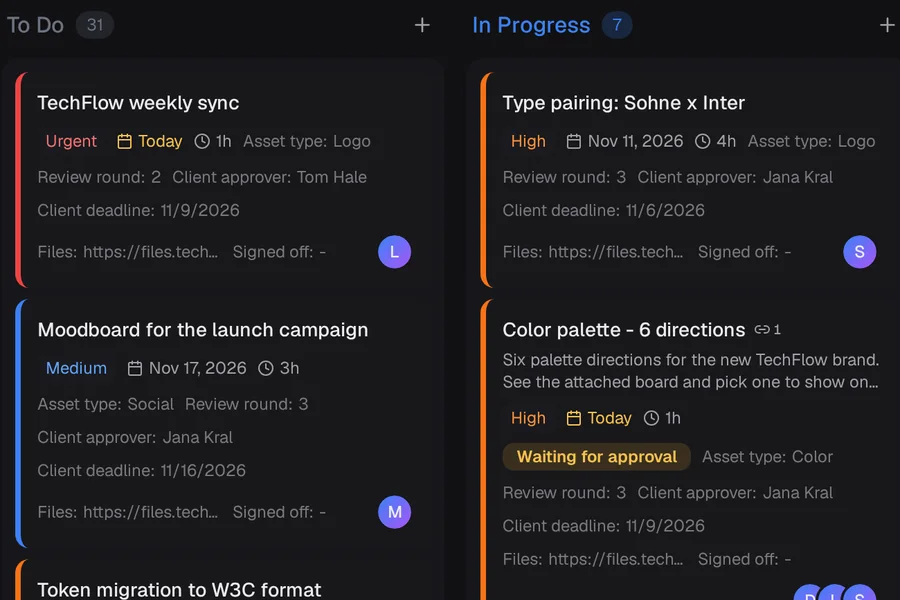
A board that drags
Move a card and its status follows, with your own columns.
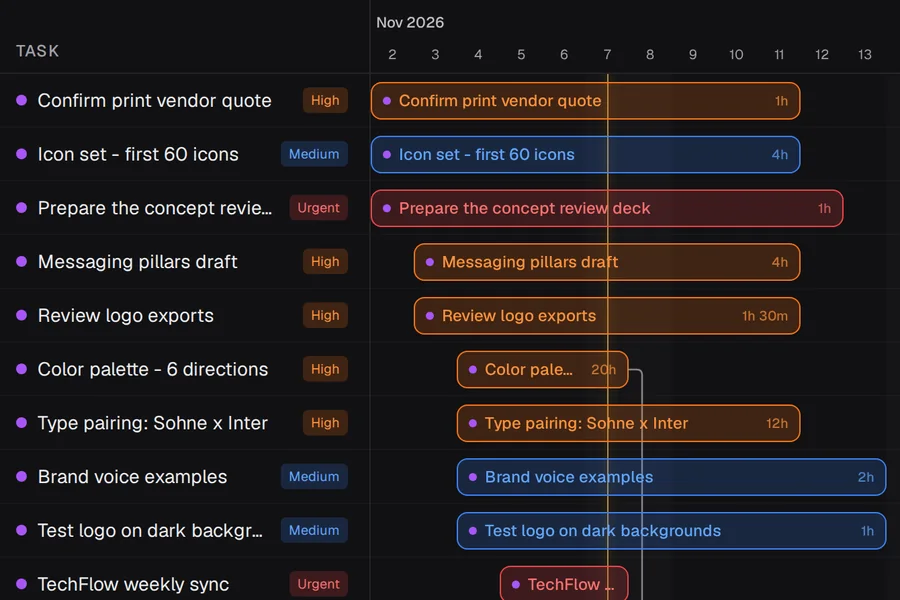
A timeline you can read
Dates as bars, zoomed from days to quarters.
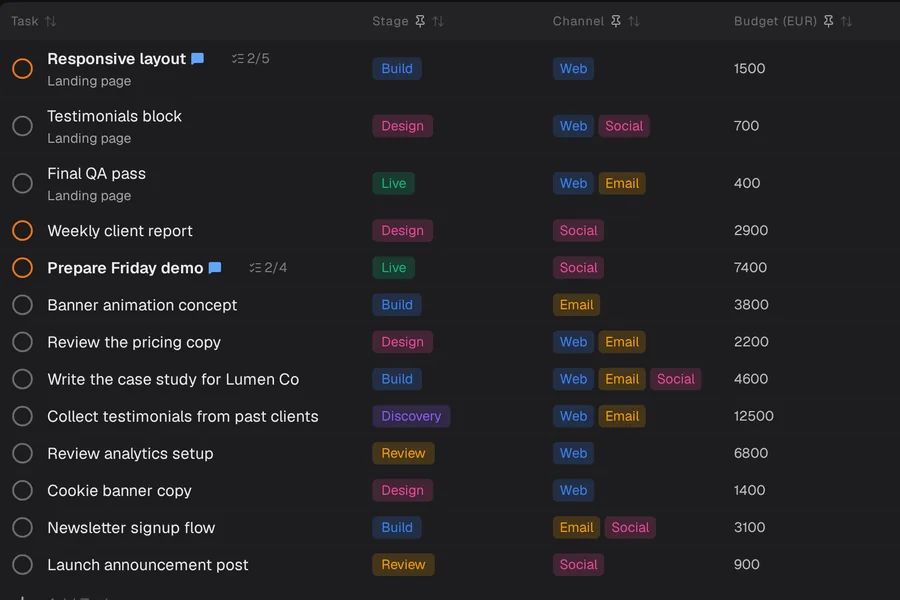
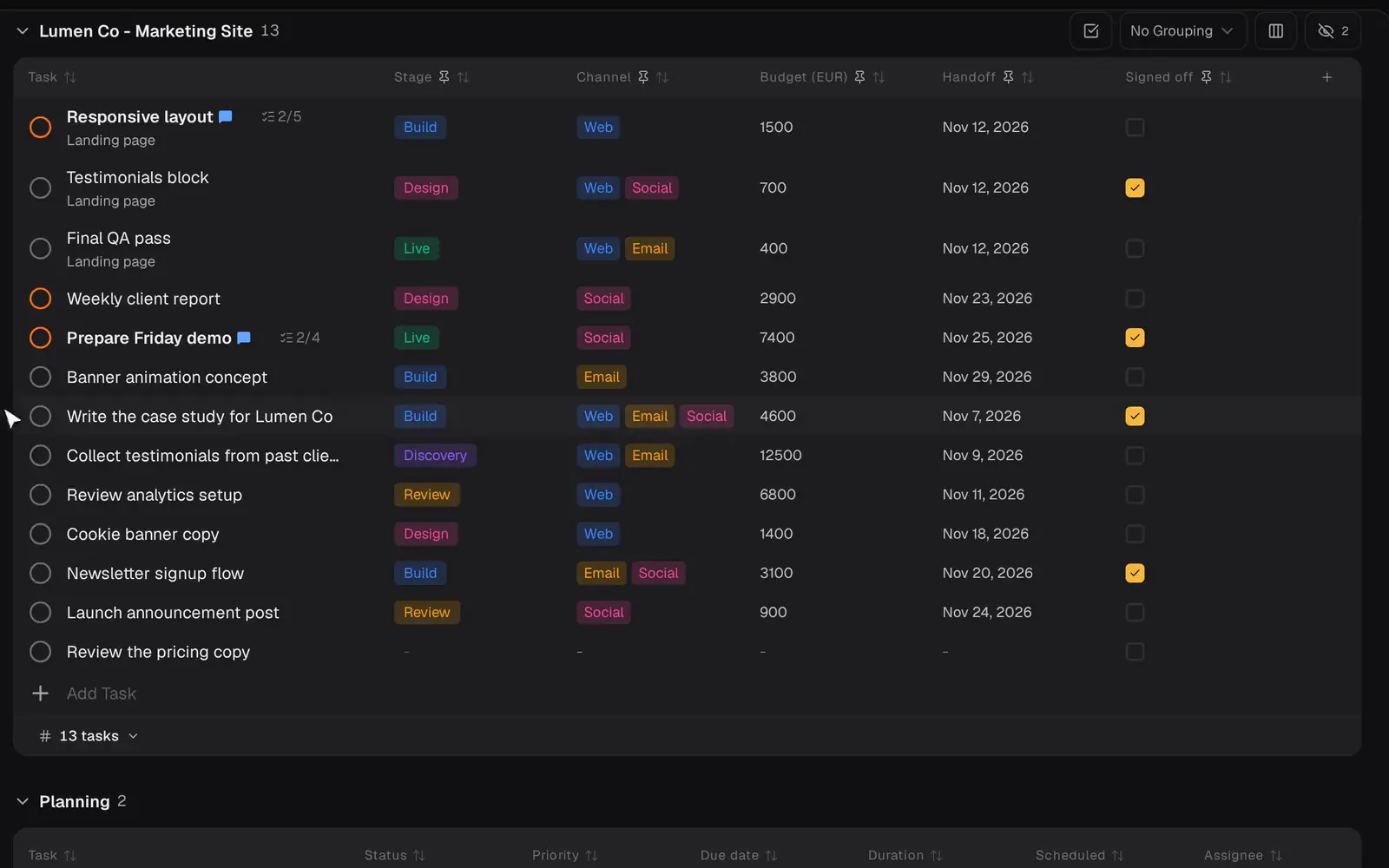
A table with your columns
Filter, sort and group by anything, custom fields included.
With a bee on it
Or hand it to a bee.
Every bot can work here too, with the same tools you have. Say what you need and go do something else.
Quick answer
What is Project Management?
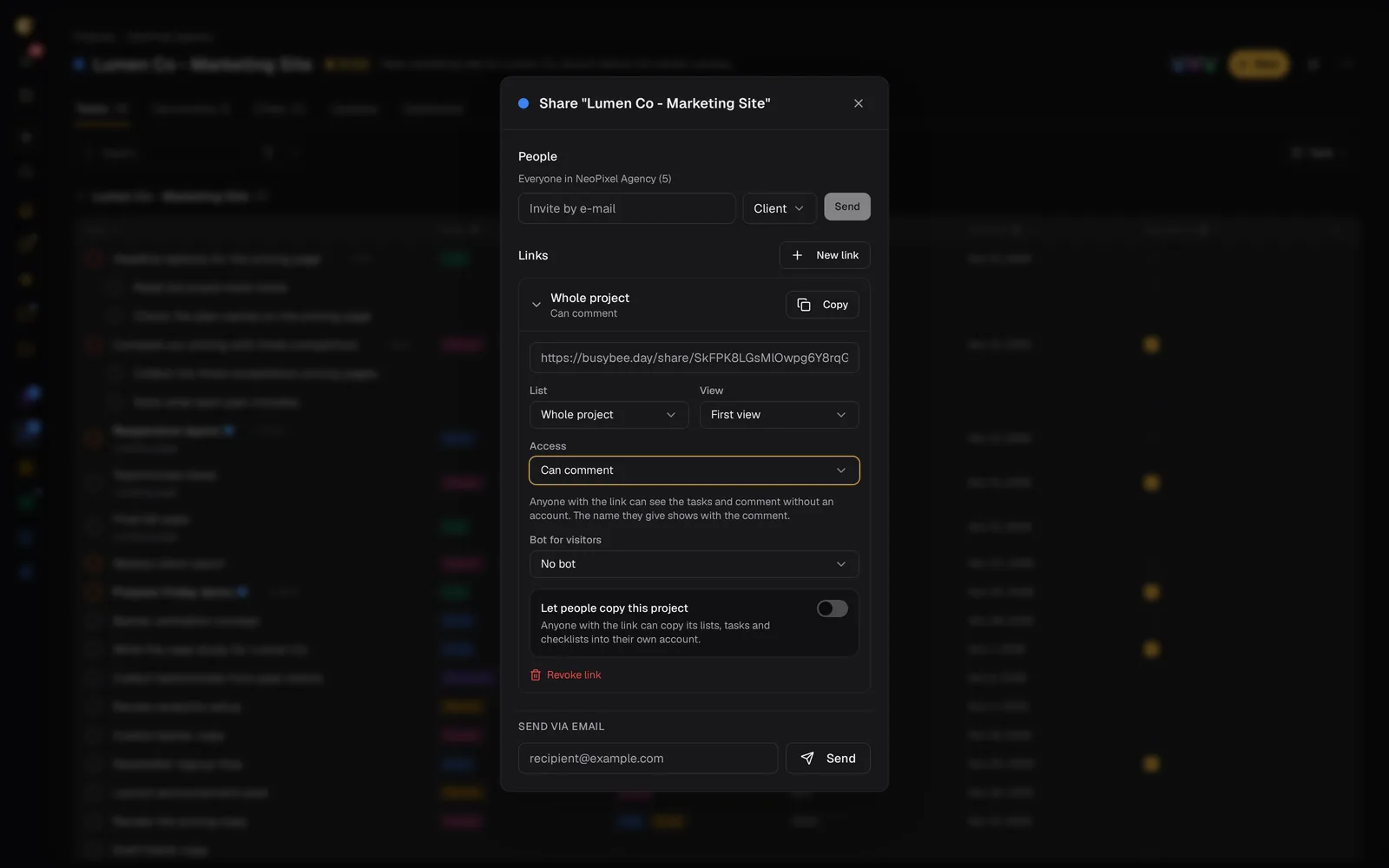
Pick a view for the whole project with one switch: List, Table, Board, Calendar, Timeline or Gallery. Tasks sit in collapsible lists with an inline Add task. Documents and bot chats live in the same project. Work on it with your team, or share a read-only link with anyone.
Project management software groups the tasks, files and talk that belong to one goal. In BusyBee.Day the same project's tasks can be a Board for the people doing the work, a Timeline for planning and a Table for review, and its documents and chats sit one tab away.
Everything included
Capabilities at a glance
- Six task views: List, Table, Board, Calendar, Timeline, Gallery
- One view switch for the whole project, saved views in one menu
- Collapsible lists with an inline Add task
- Table view with filters, sorting, grouping and custom field columns
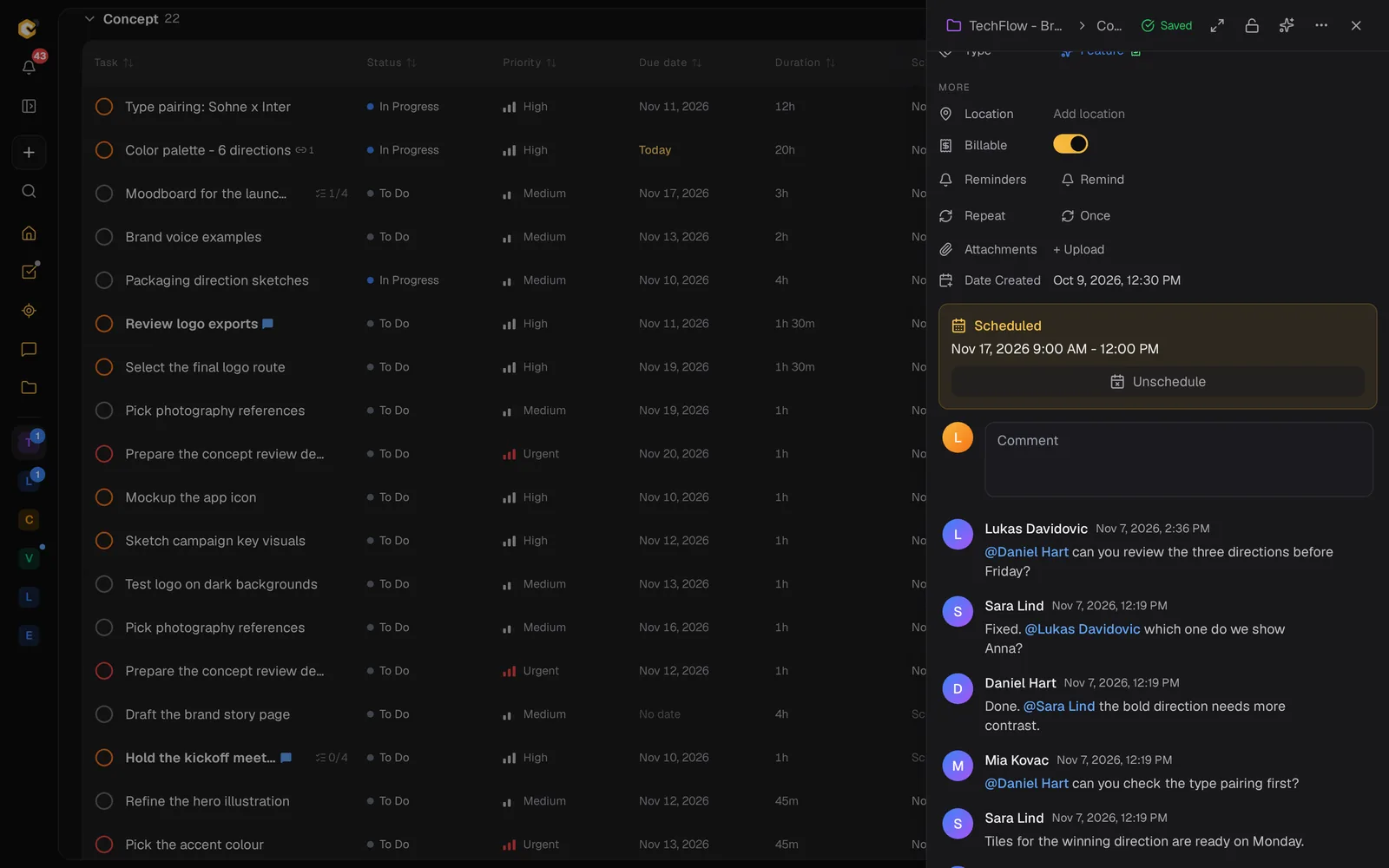
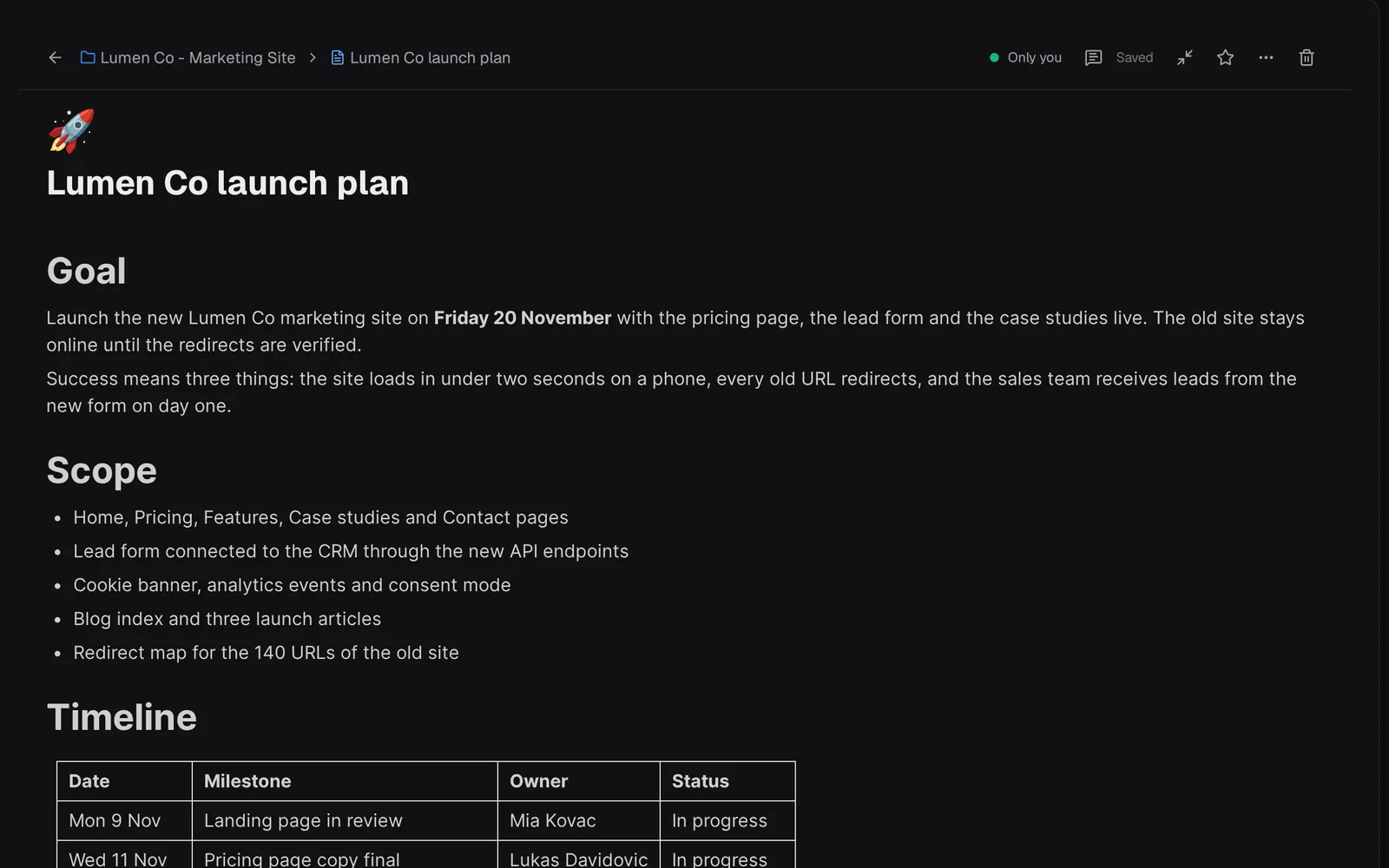
- Tasks, Documents and Chats tabs in every project
- Read-only share link - no account needed to view
- Project colors, favorites, and duplication with all tasks and documents
How it works
How to set up a project in BusyBee.Day
- 1
Create the project
Press New (Ctrl/Cmd+K) and pick Project. Give it a name and a color, and choose whether it is yours or a team's.
- 2
Add lists
Lists group tasks, for example Backlog, In progress and Review. Each list folds away and has its own Add task.
- 3
Add tasks
Type them into Add task, or press New inside the project so new tasks land there.
- 4
Pick a view
Switch the whole project between List, Table, Board, Calendar, Timeline and Gallery.
- 5
Share it
Invite people to the team the project belongs to, or create a read-only share link for people outside it.
Use cases
Who uses Project Management?
Agency client work
One project per client in a team, a Table with custom fields for Stage and Estimate, and a read-only share link for the client.
Product engineering
A Board for the current sprint and a Timeline for the quarter, with lists for Backlog, In progress, Review and Shipped.
Marketing campaigns
A Calendar view to see launch dates across channels, and a Gallery of cards for the creative work.
Personal projects
A side project in the List view, with its notes and plans in the Documents tab.
Comparison
BusyBee.Day vs Asana vs Trello vs Monday
| Capability | BusyBee.Day | Asana | Trello | Monday |
|---|---|---|---|---|
| Task views | 6 (4 on Free) | 5 (3 on Personal) | Board; 5 more on Premium | 13 (Timeline, Gantt, Calendar from Standard) |
| Board (Kanban) | Yes | Yes | Yes | Yes |
| Timeline | Basic and up | Starter and up | Premium and up | Standard and up |
| Custom fields per project | Basic and up | Starter and up | Standard and up | Yes |
| Public share link | Yes | Enterprise plans only (read-only timelines and calendars) | Yes | Yes |
| Auto-schedule | Built-in | With Asana AI (paid plans) | AI Smart Schedule, Standard and up | Limited |
| Free plan team size | 1 (teams from Basic) | 2 users | 10 collaborators per Workspace | 2 users |
Comparison reflects publicly listed features and pricing as of November 6, 2026. Subject to change.
FAQ
Frequently asked questions
Written by the BusyBee.Day product team. Productivity software product team at BusyBee.Day. Last reviewed November 6, 2026.
How many project views does BusyBee.Day offer?
Six task views: List, Table, Board, Calendar, Timeline and Gallery. They show the same tasks, so switching loses nothing. Free has List, Table, Board and Calendar; Basic and up have all six.
Can I share projects with people outside my team?
Yes. The project owner can create a read-only share link and copy it or send it by email. People with the link can search, sort and open tasks without an account; completed tasks are hidden. The owner can revoke the link at any time.
Does the table view support filtering and grouping?
Yes. Filter by status, priority, due date, project, labels, assignee, task type, custom fields and more, sort by any column, and group by project, status or priority. Saved views keep their filters and grouping.
Does BusyBee.Day support Gantt charts?
Yes. The Timeline draws each task as a bar from its start date to its due date, across days, weeks or months, and a milestone as a diamond on its day. Drag a bar to move it or pull its edge to change the dates, and drag from one bar to another to make a task wait for the other. Arrows show what waits for what and turn red when a task starts before the task it waits for is due. When a task moves later, the tasks waiting for it move along if they would otherwise start too early, and one click undoes it.
Can different team members see different project views?
A project's views are shared by everyone in it, and each person keeps their own order and default view.
How is BusyBee.Day different from Asana?
BusyBee.Day keeps auto-schedule, habits, documents and AI bots in the same app as projects. Basic is $10 a month for up to 7 members and Pro $29 a month for up to 25; the Team plan is $25 per member.
What is the difference between the Board and Timeline views?
The Board groups tasks into columns by status, priority, assignee, list, label or a custom field, and suits work in progress. The Timeline lays tasks out along dates, with what each task waits for, and suits planning across days, weeks or months.