Public Sharing
Send a link. They are in.
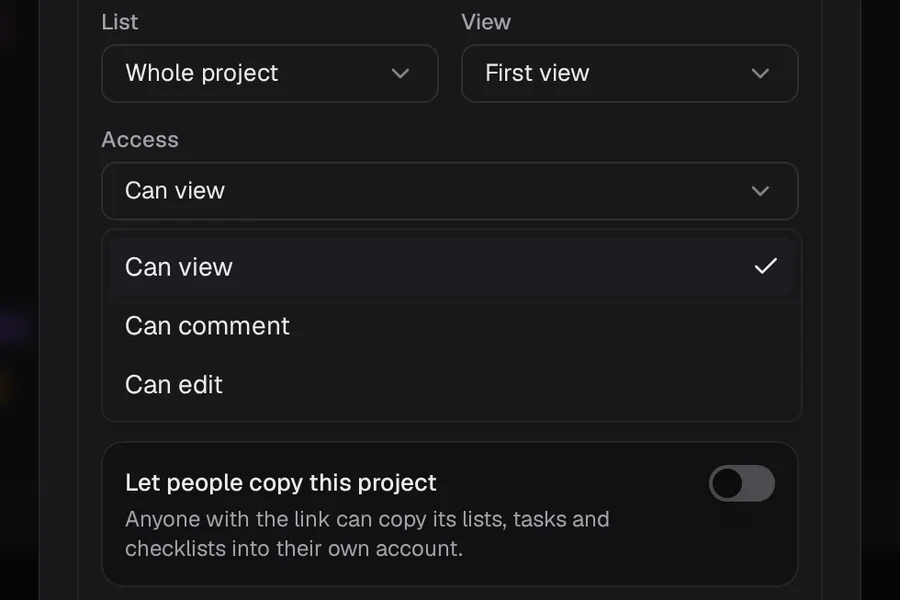
View, comment or edit, chosen per link, for a project, one list or one saved view. No account needed, and you can revoke it anytime.
Three levels
View, comment or edit, per link.
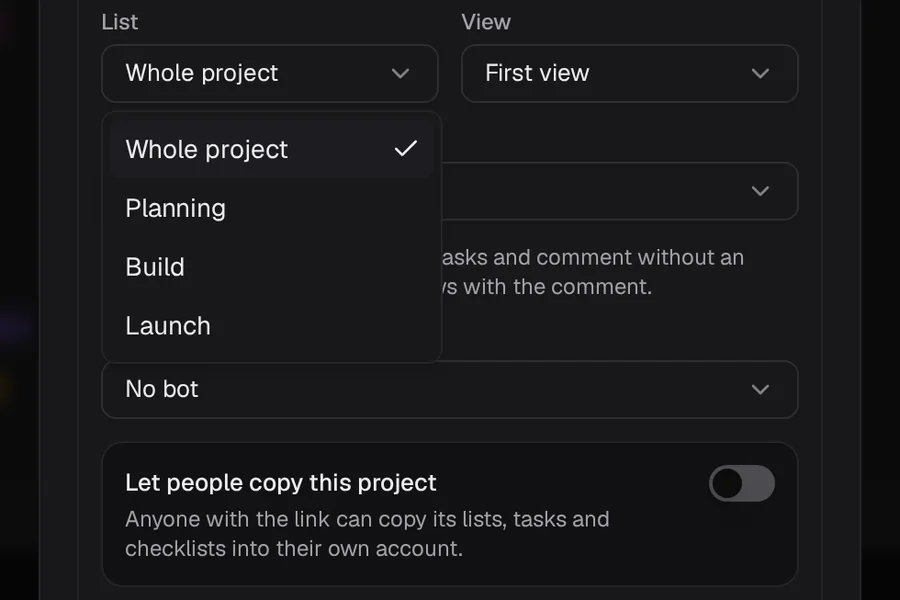
The exact view
A whole project, one list or one saved view.
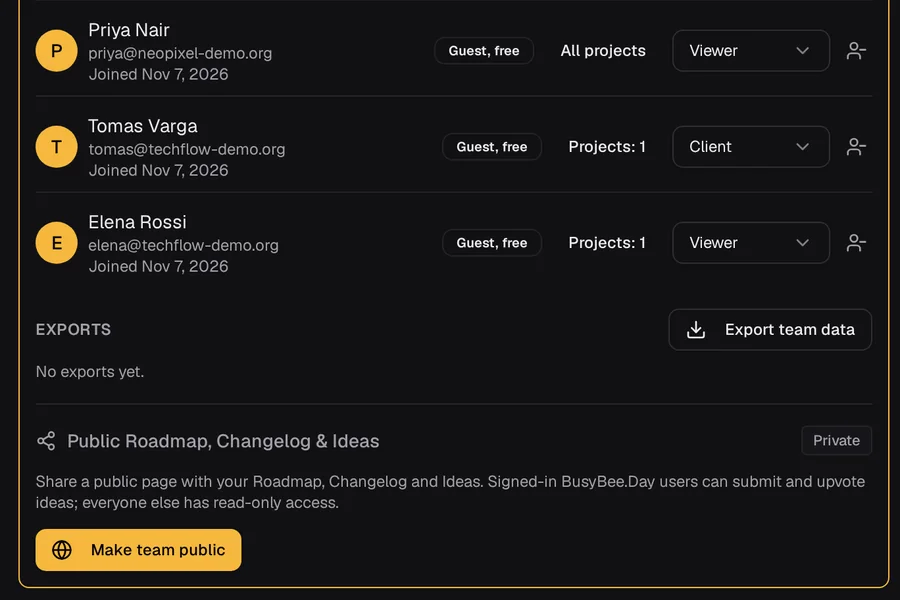
A public team page
Show the projects you choose.
With a bee on it
Or hand it to a bee.
Every bot can work here too, with the same tools you have. Say what you need and go do something else.
Quick answer
What is Public Sharing?
The project owner creates a link to the whole project, one list or one saved view, and chooses what people can do: view, comment or edit. People with the link need no account; they give a name when they comment or edit. A team owner can also publish a public team page. Links can be revoked at any time.
Public sharing means a link anyone can open to see a project's status without creating an account. BusyBee.Day adds public team pages, where chosen projects are visible and can collect ideas and upvotes.
Everything included
Capabilities at a glance
- Links that open without an account
- View only, comment or edit, chosen per link
- A link to the whole project, one list or one saved view
- Send the link by email from BusyBee.Day
- Revoke or regenerate the link at any time
- Public team page with the projects you choose
- Per project: private, Visible publicly or Allow public contributions
- Signed-in BusyBee.Day users can submit and upvote ideas
- Changelog projects show as a feed of updates
How it works
How to share a project publicly
- 1
Open sharing
In the project's menu, open Share.
- 2
Create the link
Create a link, choose what it shows and what people can do, then copy it or send it by email.
- 3
Or publish the team
In Settings > Teams, the team owner turns on the public page; in each project's settings, choose private, Visible publicly or Allow public contributions.
- 4
Revoke when done
Revoke the link and it stops working.
Use cases
Who uses Public Sharing?
Client status update
An agency sends the client a link to the project; the client checks progress without an account.
Public roadmap
A team page with the roadmap project set to Allow public contributions; users upvote what they want next.
Public changelog
A Changelog project on the team page lists what shipped.
FAQ
Frequently asked questions
Written by the BusyBee.Day product team. Productivity software product team at BusyBee.Day. Last reviewed November 6, 2026.
Do public viewers need a BusyBee.Day account?
No. A share link and a public team page open without an account, also for comments and edits on a link that allows them. Submitting and upvoting ideas needs a BusyBee.Day account.
What can public viewers NOT do?
They can do only what the link allows and see only what it shows. On a view-only link they cannot change anything.
How do I revoke a public link?
The project owner revokes it from the same place it was created, and it stops working at once. A new link can be generated later.
What is "Allow public contributions"?
On a public team page, a project set to Allow public contributions lets signed-in BusyBee.Day users submit ideas and upvote them, like a feedback board.
Which plans include public sharing?
Share links work on every plan. Public team pages need a team: Basic includes one, and Pro, Max and Team have no limit.