Documents, Whiteboards & Databases
Write right next to the work.
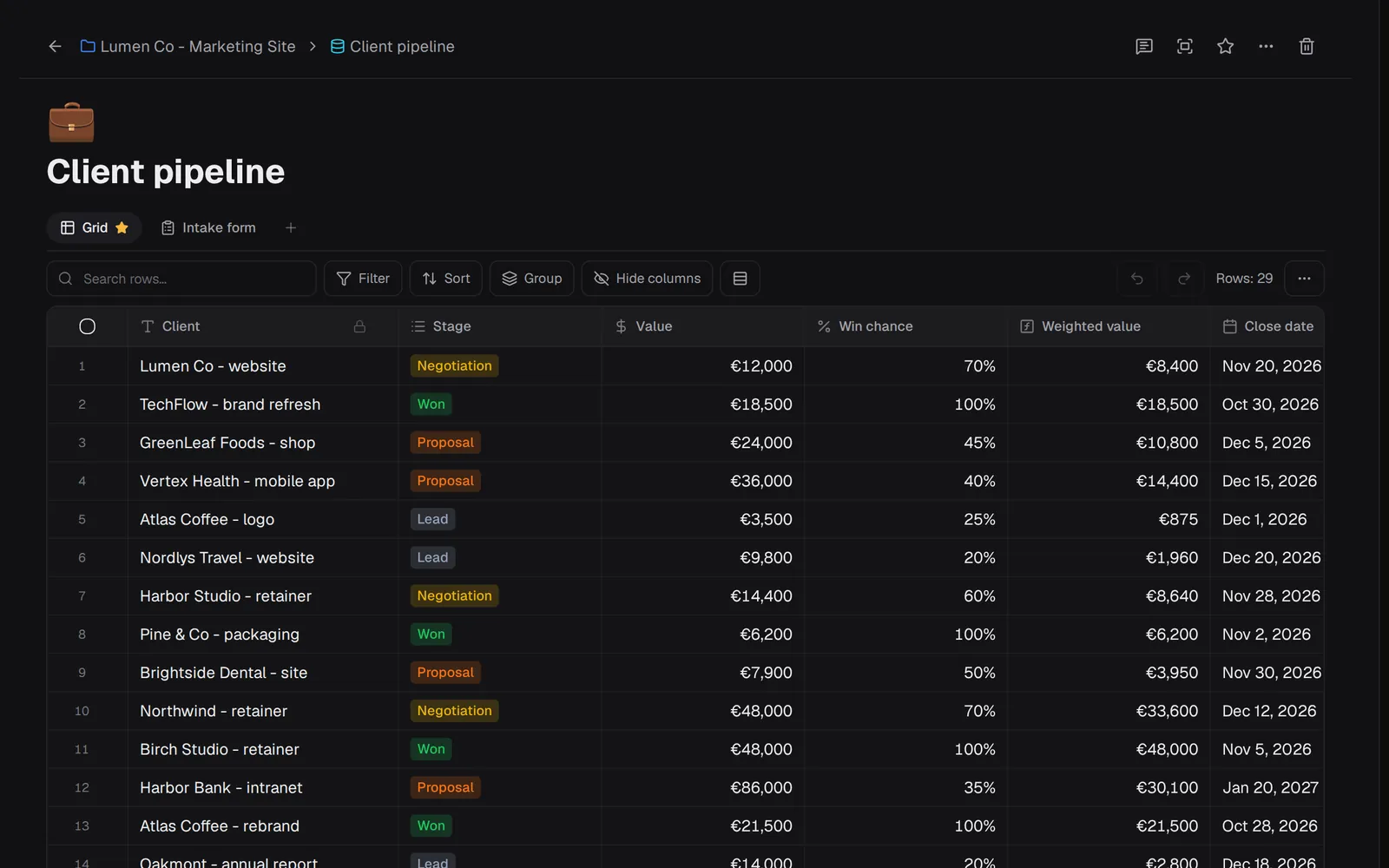
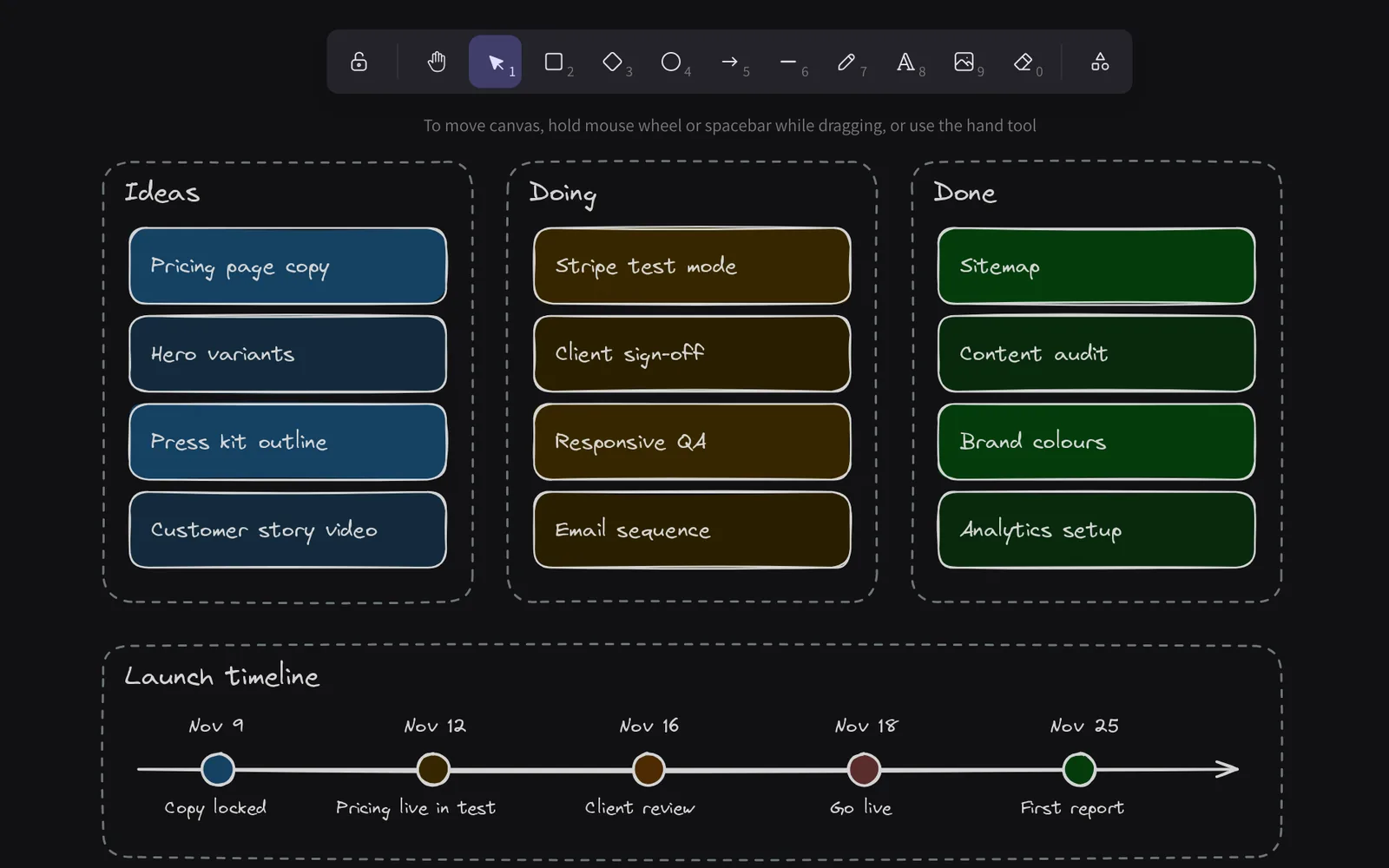
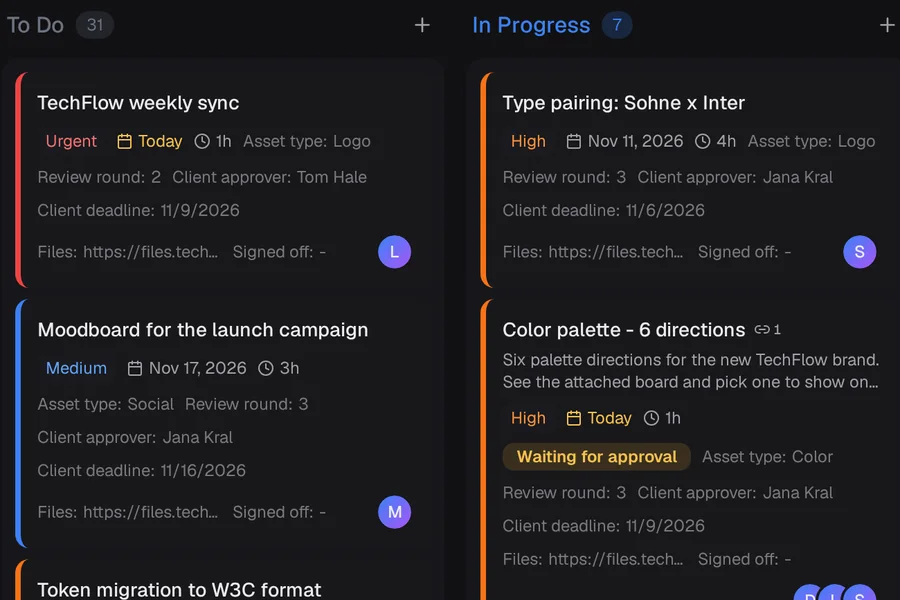
Rich text with a slash menu, editing together in real time and comments. Whiteboards, mindmaps, databases and embeds sit in the same project.
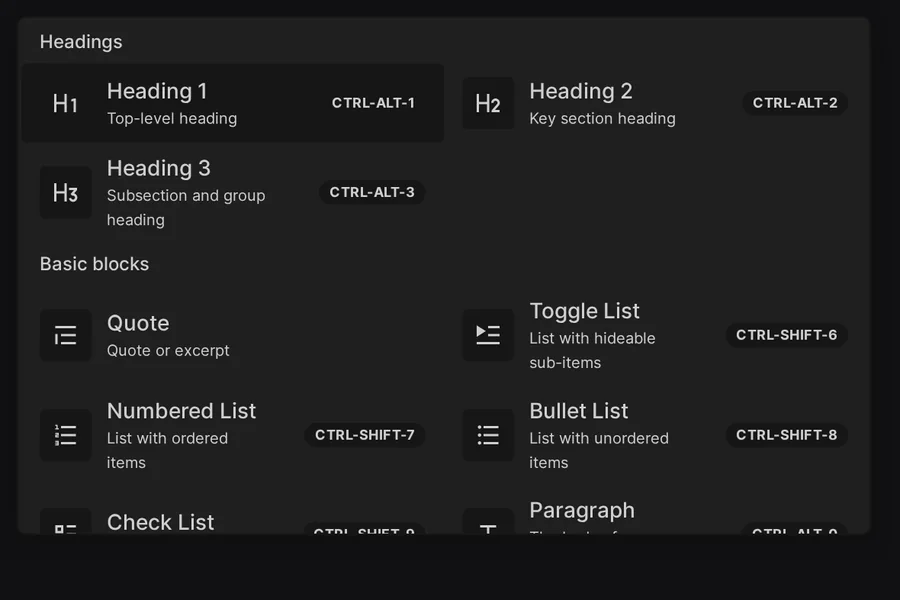
A slash menu for everything
Headings, tables, code, checklists and media, one key away.
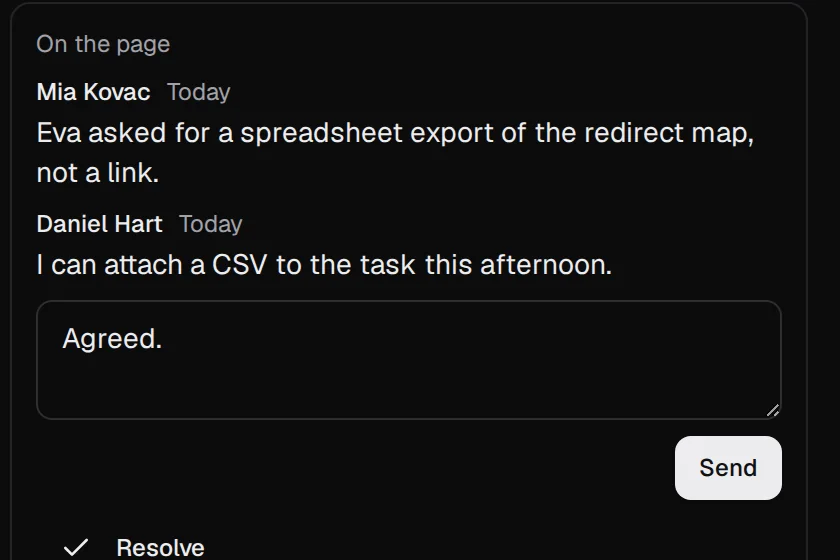
Comments on the text
Threads on the exact sentence, ready to resolve.
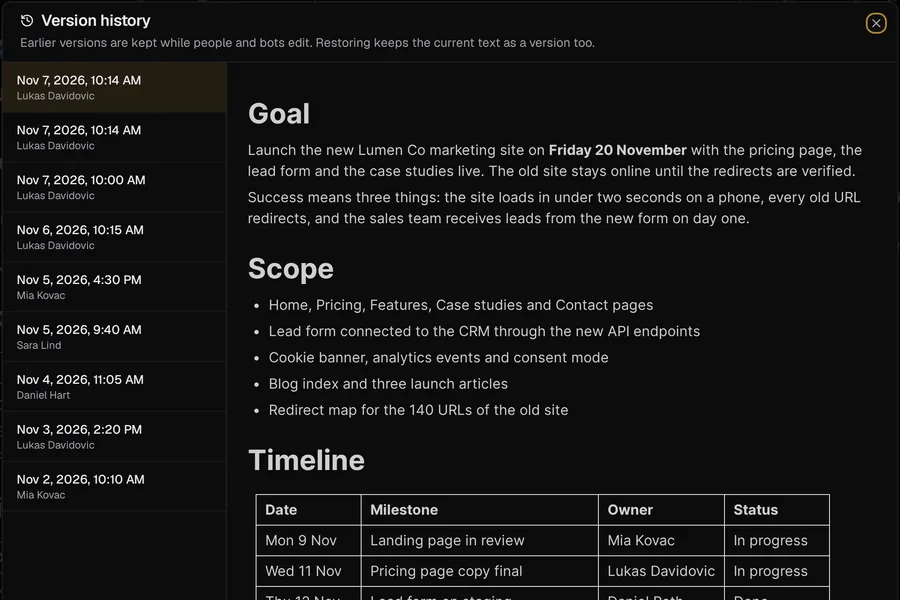
Every version kept
Look back and restore an earlier one.
With a bee on it
Or hand it to a bee.
Every bot can work here too, with the same tools you have. Say what you need and go do something else.
Quick answer
What is Documents, Whiteboards & Databases?
Write rich text documents, draw on Excalidraw whiteboards, build mindmaps, keep structured data in databases with formulas, and embed pages from Figma, Miro, YouTube and other sites. Several people can edit a document, whiteboard or mindmap at the same time. Free has documents and folders; Basic and up have every type.
A document workspace keeps notes, drawings and structured data next to the work they describe. In BusyBee.Day a project's brief, its whiteboard and its tasks are one tab apart.
Everything included
Capabilities at a glance
- Rich text: headings, lists, tables, code blocks, colors and a slash menu
- Upload or paste images, video, audio and files
- Excalidraw whiteboards, saved as PNG or SVG
- Mindmaps built from the keyboard
- Databases with 25 field types, formulas and CSV import and export
- Embeds from Figma, Google Docs, Miro, Loom, YouTube and more
- Edit together in real time
- Folders, favorites and a Documents tab in every project
How it works
How to organize documents in BusyBee.Day
- 1
Create a document
Press New (Ctrl/Cmd+K) and pick Document. In a project, or on the Documents page, you can also pick Database, Whiteboard, Mindmap, Embed, Folder or Changelog.
- 2
Put it in a project
A document created in a project shows in that project's Documents tab.
- 3
Write or draw
Type / for the slash menu in a document, draw freely on a whiteboard, or press Tab and Enter to grow a mindmap.
- 4
Organize
Group documents in folders and mark the ones you open often as favorites.
- 5
Find it again
Search (Ctrl/Cmd+/) finds documents by title.
Use cases
Who uses Documents, Whiteboards & Databases?
Project briefs
A brief in the project's Documents tab: goals, scope, open questions and decisions.
Meeting notes
A document per meeting, kept in a folder.
System diagrams
A whiteboard with the architecture of a feature, next to its tasks.
Planning data
A database of OKRs or a content plan, with formulas and grouped views.
Comparison
BusyBee.Day Documents vs Notion vs Confluence vs Coda
| Capability | BusyBee.Day | Notion | Confluence | Coda (Superhuman Docs) |
|---|---|---|---|---|
| Whiteboards | Excalidraw | Via embeds (e.g. Miro, Excalidraw) | Built in (3 active per user on Free, 10 on Standard, unlimited on Premium) | Via embeds or the Miro Pack (beta) |
| Databases with formulas and relations | Yes | Yes (core) | Limited | Yes (core) |
| Embeds | Yes | Yes | Yes | Yes |
| In the same project as the tasks | Yes | Manual | Manual | Manual |
| Built into a task app with a calendar | Yes | Yes: task databases with a calendar view | No | No |
Comparison reflects publicly listed features and pricing as of November 6, 2026. Subject to change.
FAQ
Frequently asked questions
Written by the BusyBee.Day product team. Productivity software product team at BusyBee.Day. Last reviewed November 6, 2026.
What formatting does the document editor support?
Headings (H1 to H6), bold, italic, underline, strikethrough, bullet, numbered, check and toggle lists, quotes, tables, code blocks, links, text and background colors, alignment and a slash menu. You can also upload or paste images, video, audio and files.
Does BusyBee.Day have whiteboards?
Yes. Whiteboards use Excalidraw: shapes, arrows, text, freehand drawing and images. Save a whiteboard as a PNG or SVG image. Several people can draw on it at once.
Can I organize documents within projects?
Yes. Documents created in a project show in its Documents tab. Folders group documents, and favorites keep the ones you use often at hand.
Can I search across all documents?
Search (Ctrl/Cmd+/) finds documents by title. It does not search the text inside them.
Which document types are on the Free plan?
Documents and folders, up to 5. Basic and up add databases, whiteboards, mindmaps, embeds and changelogs, with no limit.
How is BusyBee.Day Documents different from Notion?
Documents, tasks, a calendar with auto-schedule and AI bots are in one app, and each project keeps its documents next to its tasks and chats.