Task Management
Say it once. It is a task.
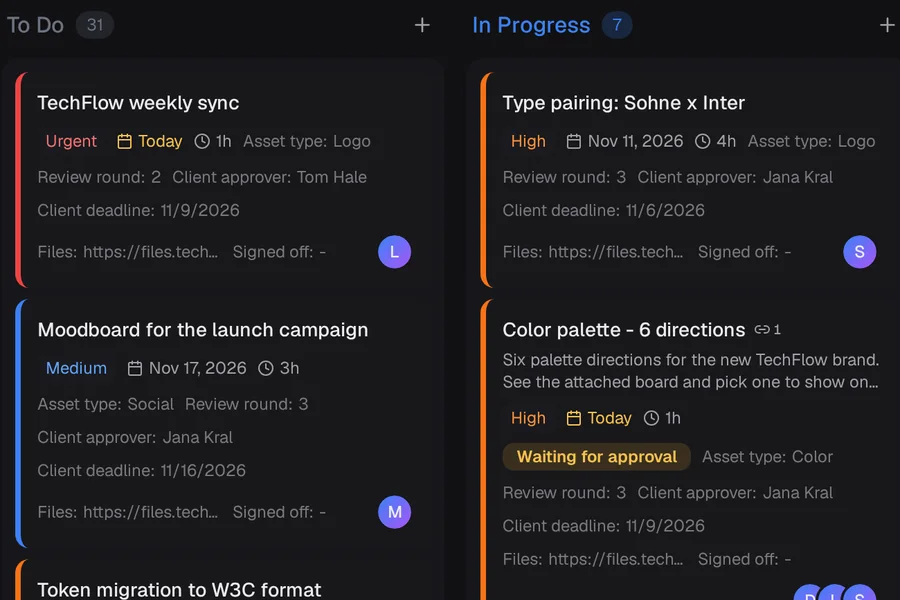
One input for everything. Type a sentence with a date or a #project and it is filed, with its priority, people and fields ready to go.
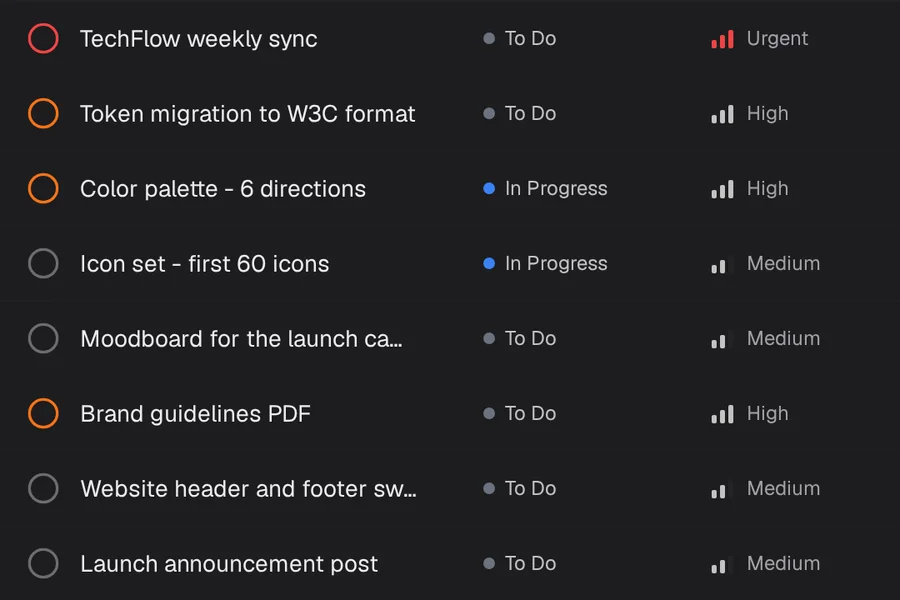
Priorities you can see
P1 to P4 on every row, and Lock pins a task to its time.
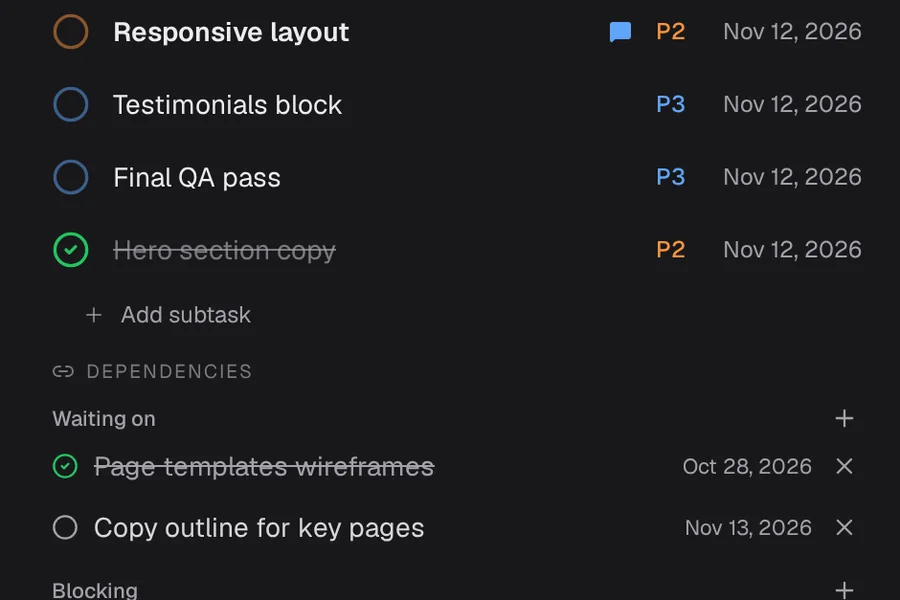
Subtasks in place
Break work down without leaving the list, and assign each part.
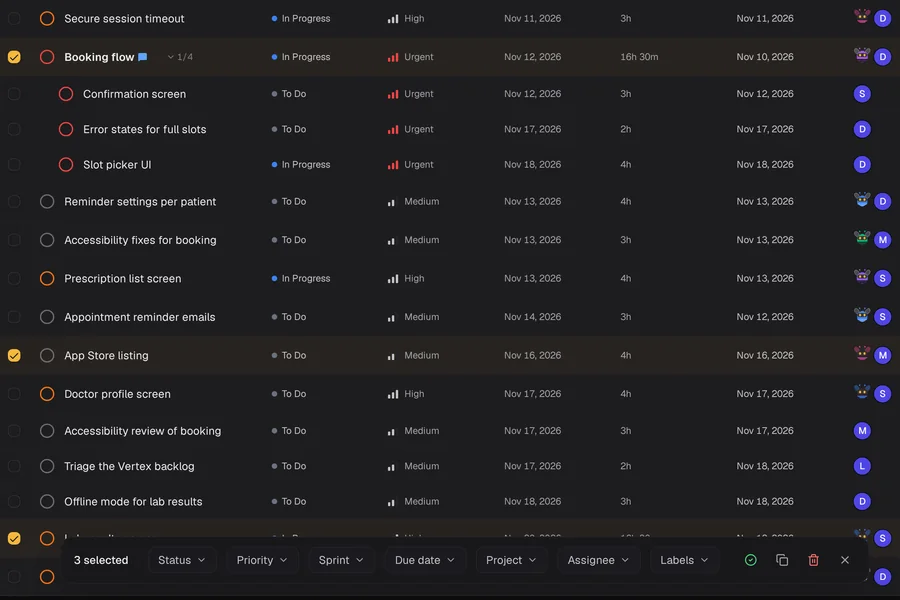
Change many at once
Select rows and set status, priority, date, project, people or labels in one go.
With a bee on it
Or hand it to a bee.
Every bot can work here too, with the same tools you have. Say what you need and go do something else.
Quick answer
What is Task Management?
Type a task into "Ask BusyBee or add a task" with a date or a #project and it is added. Tasks carry priority, due date and time, duration, labels, assignees, custom fields, recurrence and subtasks. Tasks shows all your work as a List or on a Calendar, and auto-schedule plans open tasks around what is already booked.
Task management software keeps every action item in one place, with enough detail to decide what to do next. BusyBee.Day adds two things on top: one input that turns a line of text into a task, and auto-schedule, which plans open tasks into free time on your calendar.
Everything included
Capabilities at a glance
- One input: "Ask BusyBee or add a task" adds a task when the text has a date or a #project
- Priorities P1 (Critical) to P4 (Low), and Lock to pin a task to its time
- Custom fields: text, number, checkbox, date, select, multi-select, URL and relation
- Recurring tasks: daily, weekly, every two weeks or monthly
- Subtasks, several assignees, reminders and attachments
- Bulk changes to status, priority, due date, project, assignees and labels
- Custom task statuses and task types (Task, Feature, Improvement, Bug, Maintenance) with colors
- Comments with @mentions, and an activity log per project
How it works
How to manage tasks in BusyBee.Day
- 1
Add the task
Press New (Ctrl/Cmd+K) or use the input on Home and type "Fix login bug tomorrow 3pm p1 #Backend 30m". The date, time, priority, project and duration are read as you type, and Enter adds the task.
- 2
Fill in the rest
Open the task to set assignees, labels, task type, custom fields, reminders or a repeat.
- 3
Plan it
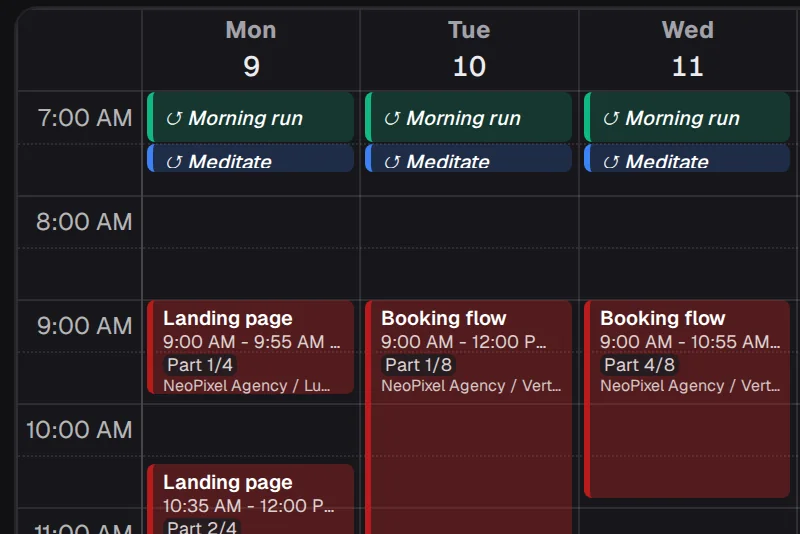
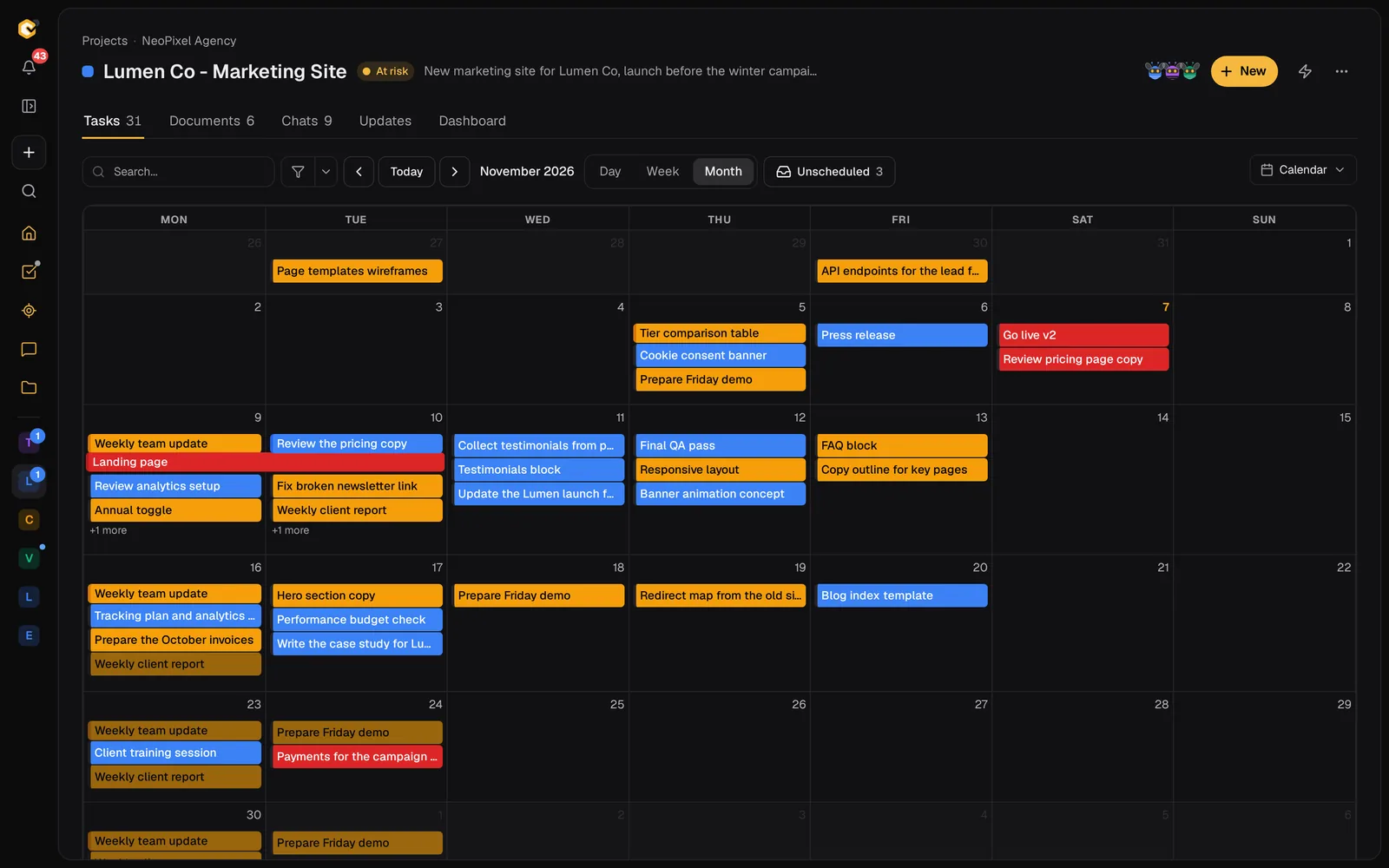
Switch Tasks to Calendar and drag the task into a free slot, or press Auto-schedule to plan all open tasks around what is already booked.
- 4
Finish it
Mark it done. A recurring task then creates its next occurrence.
Use cases
Who uses Task Management?
Software engineers
Bugs and features as task types, P1 for what blocks a release, a URL custom field for the pull request and subtasks for each review step.
Agency project managers
Custom fields for Client and Estimate in each client project. When a milestone closes, select its tasks and change their status in one go.
Founders and solo operators
Type tasks in one line, let auto-schedule fill the week, and keep the weekly review and monthly invoicing as recurring tasks.
Researchers and writers
A task per chapter with subtasks for draft and edit, labels for the stage and a URL field for sources.
Comparison
BusyBee.Day vs Todoist vs Asana
| Capability | BusyBee.Day | Todoist | Asana |
|---|---|---|---|
| Auto-schedule onto your calendar | Built-in | Beta automation (Pro and Business) | With Asana AI (paid plans) |
| Custom fields (text, number, URL, select...) | 8 types (Basic and up) | No | Up to 9 types (Starter and up) |
| Recurring tasks | Daily, weekly, every 2 weeks, monthly | Yes | Yes |
| Free plan task limit | 100 tasks | 300 active tasks per project, 5 projects | 2 users / unlimited tasks |
| Task views (List, Table, Board, Calendar, Timeline, Gallery) | 6 views (4 on Free) | List, board, table, calendar (2 on Free) | 5 views (3 on Personal) |
Comparison reflects publicly listed features and pricing as of November 6, 2026. Subject to change.
FAQ
Frequently asked questions
Written by the BusyBee.Day product team. Productivity software product team at BusyBee.Day. Last reviewed November 6, 2026.
What is task management software?
Task management software captures every action item, lets you prioritize and schedule it, and tracks it until it is done. BusyBee.Day adds auto-schedule, which places open tasks on your calendar by due date and priority, around what is already booked.
What task properties does BusyBee.Day support?
Title, description, priority (P1-P4), status, due date and time, duration, assignees, project and list, labels, reminders, attachments, location, task type, custom fields, recurrence and subtasks.
Can I create recurring tasks in BusyBee.Day?
Yes. A task can repeat daily, weekly, every two weeks or monthly on the same date. A series is one task: when you complete it, the next occurrence is created, and calendars show the coming ones. When you edit a recurring task you choose Just this task or All future tasks.
What custom fields does BusyBee.Day support?
Eight types: text, number, checkbox, date, select and multi-select with colored options, URL, and relation, which links a task to rows of a Database. A field applies to all your tasks or to one project. Free has no custom fields, Basic allows 5 per project, and Pro, Max and Team have no limit.
How is BusyBee.Day different from Todoist?
BusyBee.Day plans tasks on your calendar with auto-schedule, has six task views (List, Table, Board, Calendar, Timeline, Gallery), and keeps habits, documents and AI bots in the same app.
Is BusyBee.Day free?
Yes. Free covers one person with up to 3 projects, 100 tasks, 5 documents and 3 habits. Basic ($10/mo) and Pro ($29/mo) remove those limits and add teams; Max is $99/mo and Team is $25 per member. Paid plans come with a free trial.
Can I bulk-edit tasks?
Yes. Select tasks in a list or table and change their status, priority, due date, project, assignees or labels, mark them complete, duplicate them or move them to Trash.