AI bots for freelancers who are tired of doing everything themselves
Stop doing everything yourself.
When you work alone, you are also the researcher, the admin and the person who chases invoices. Hand those jobs to a bot and keep the work you are paid for.
 DesignersBriefs, references, feedback rounds
 DevelopersIssues, tests, staging checks
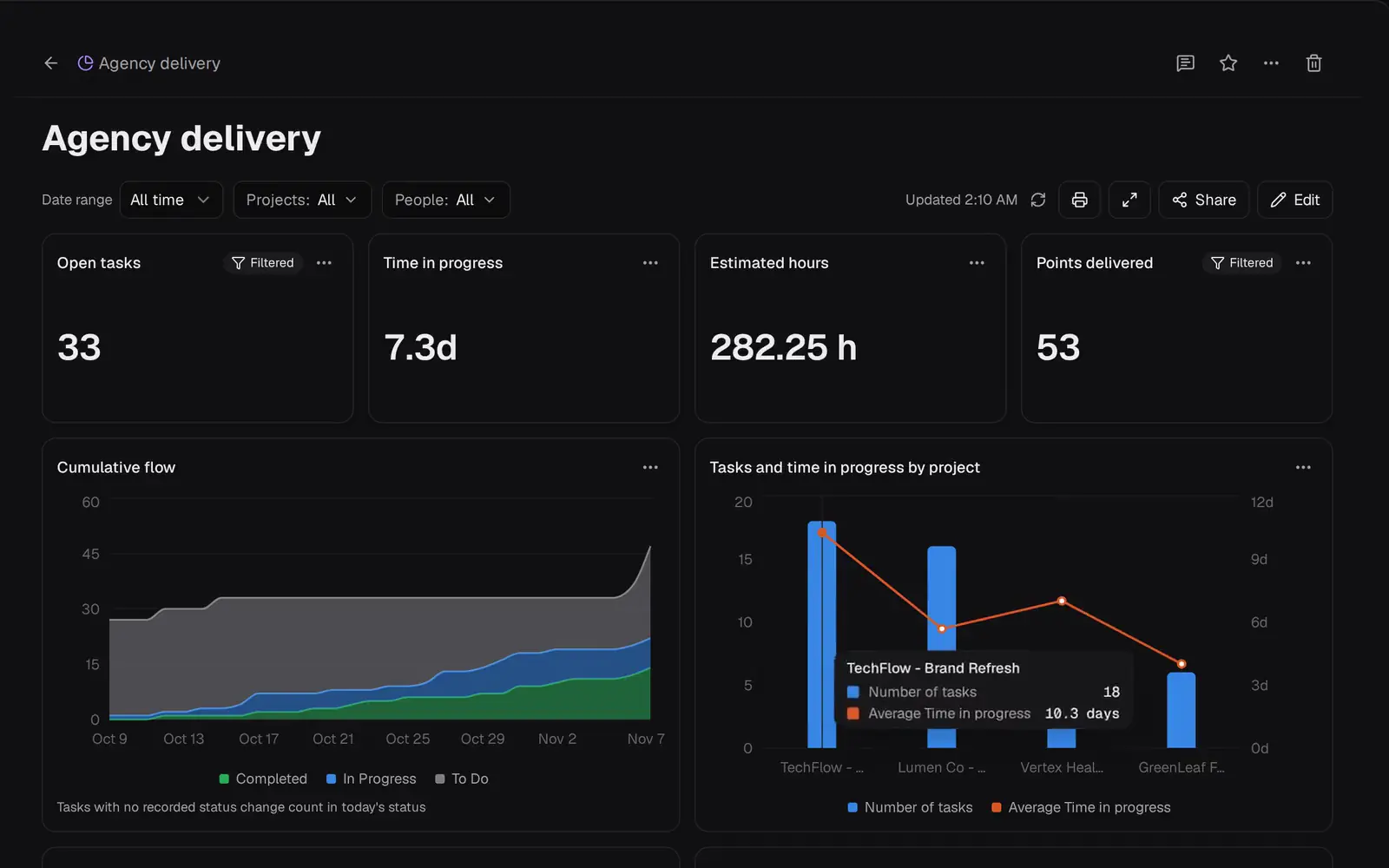 MarketersResearch, drafts, weekly reports
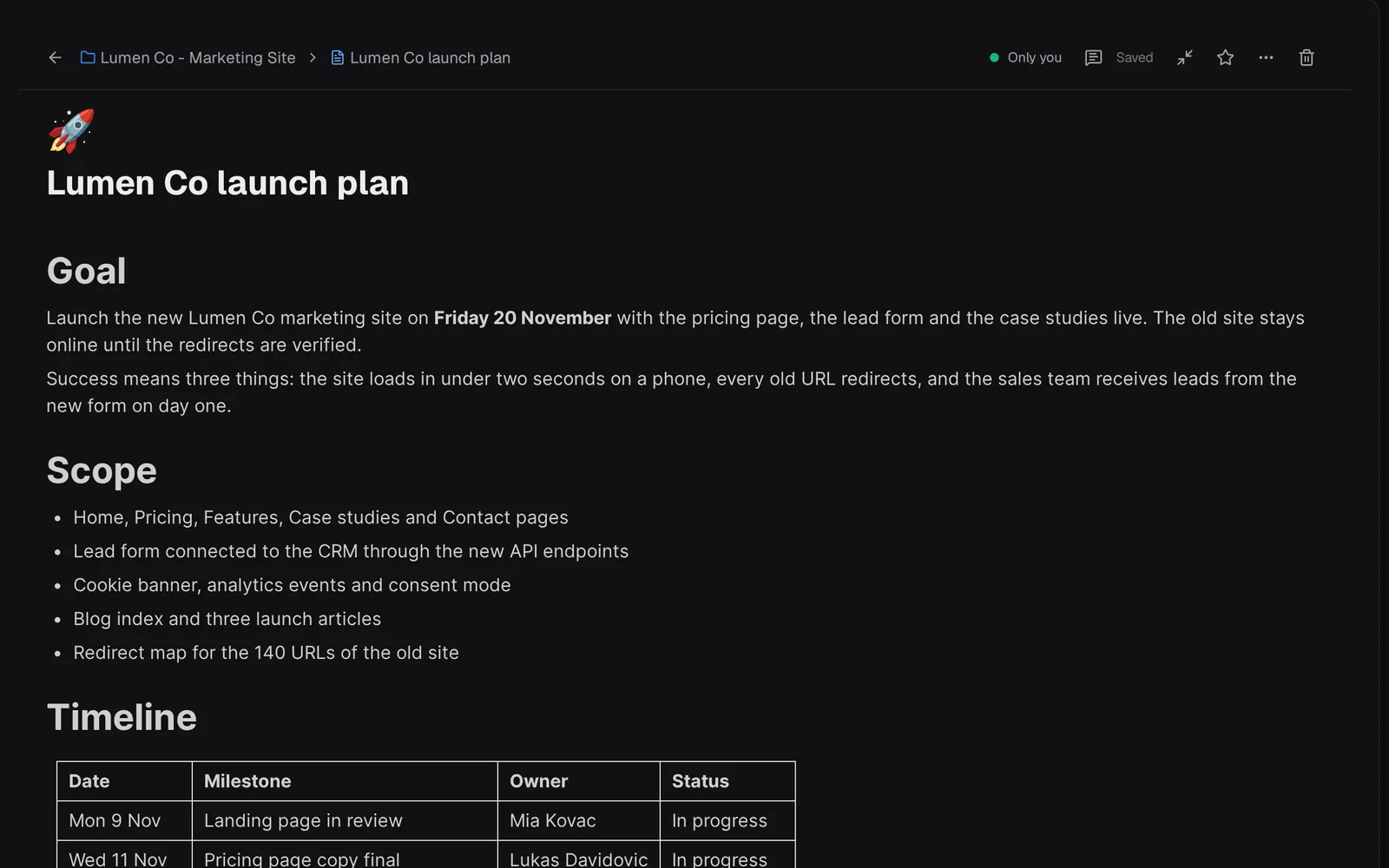 WritersSources, fact checks, revision lists
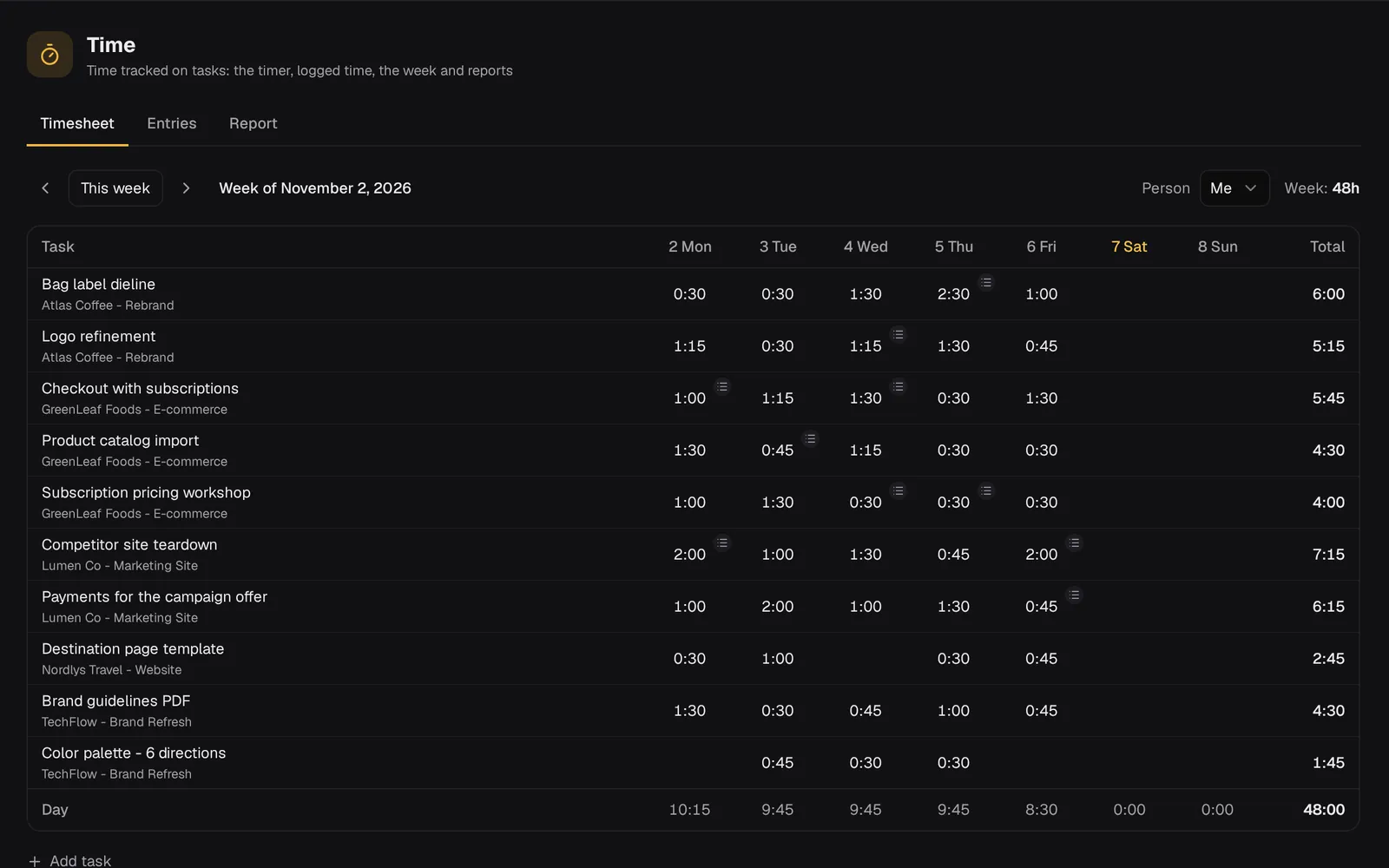 ConsultantsMeeting prep, proposals, status reports
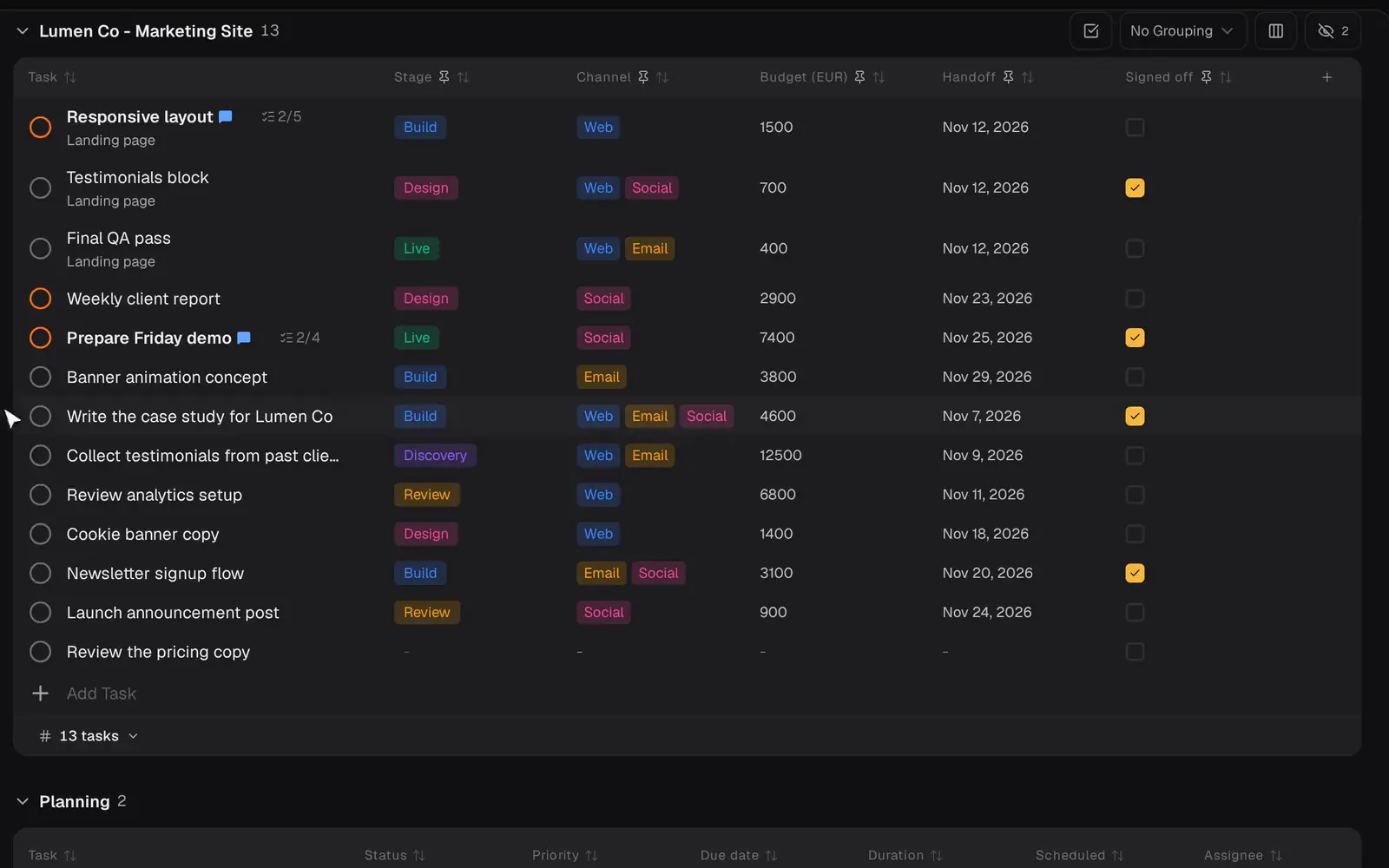 Virtual assistantsRequests to tasks, client updates
 Content creatorsScripts, thumbnails, short video
 Solo foundersPayments, bugs, the weekly update
Short answer
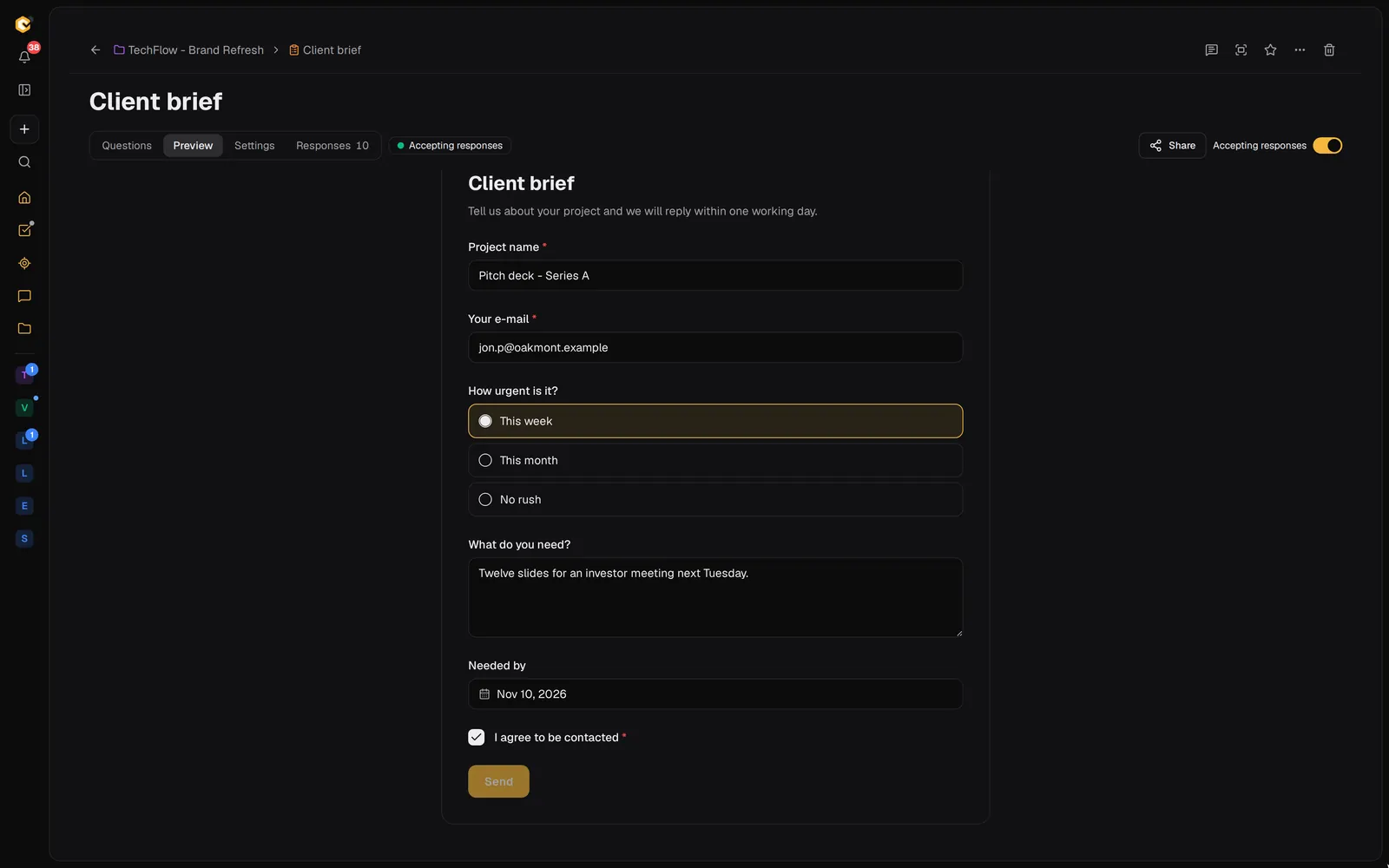
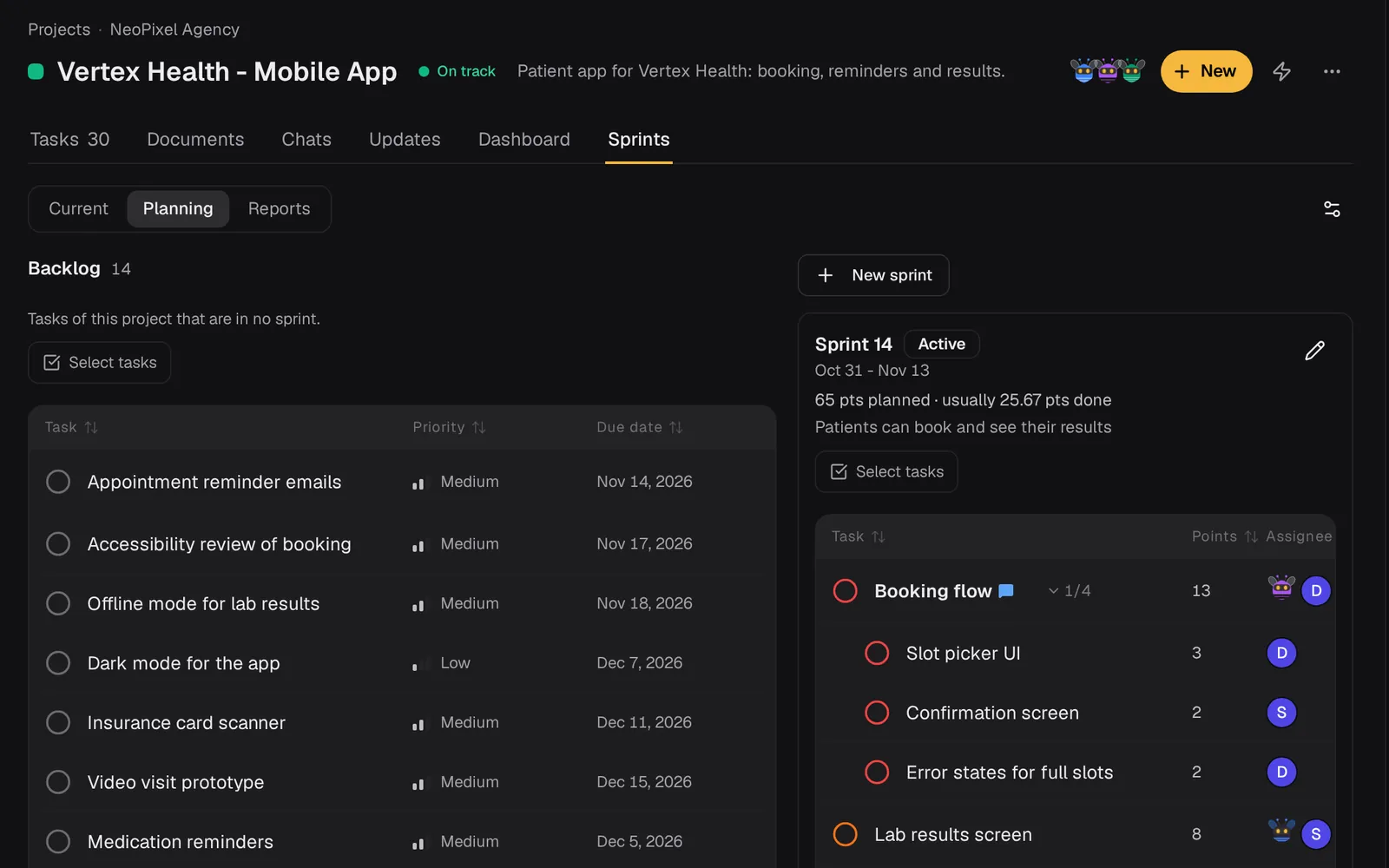
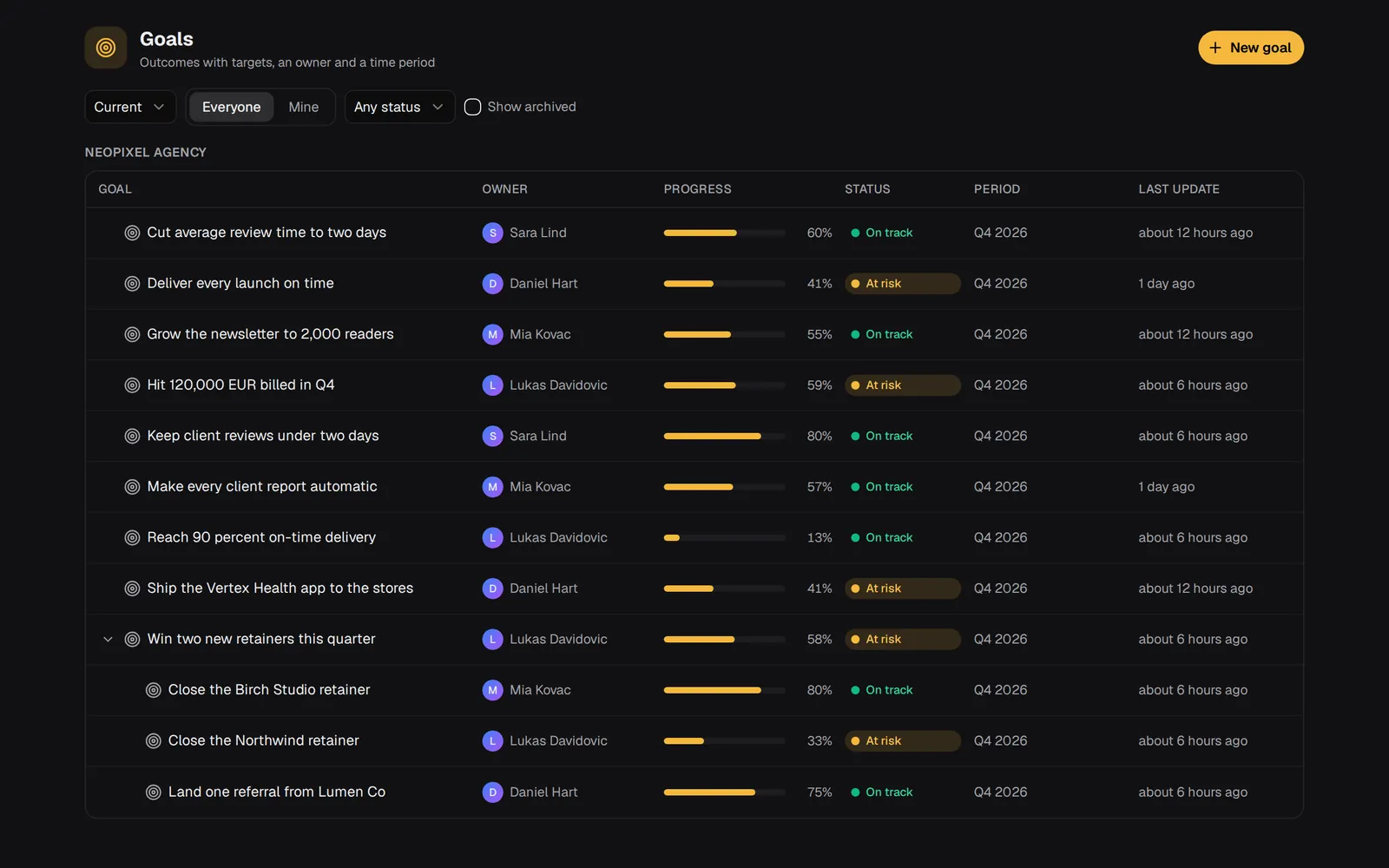
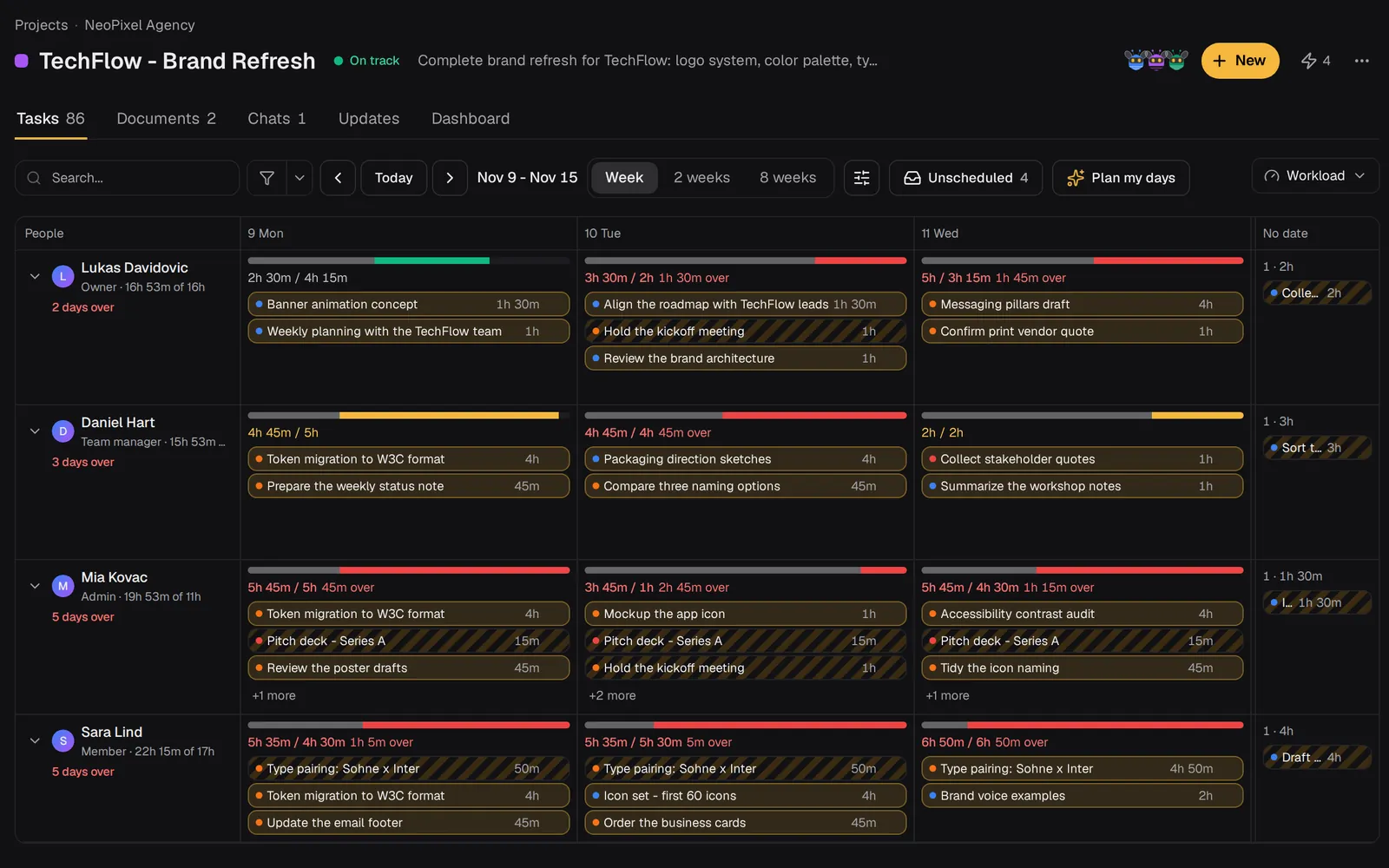
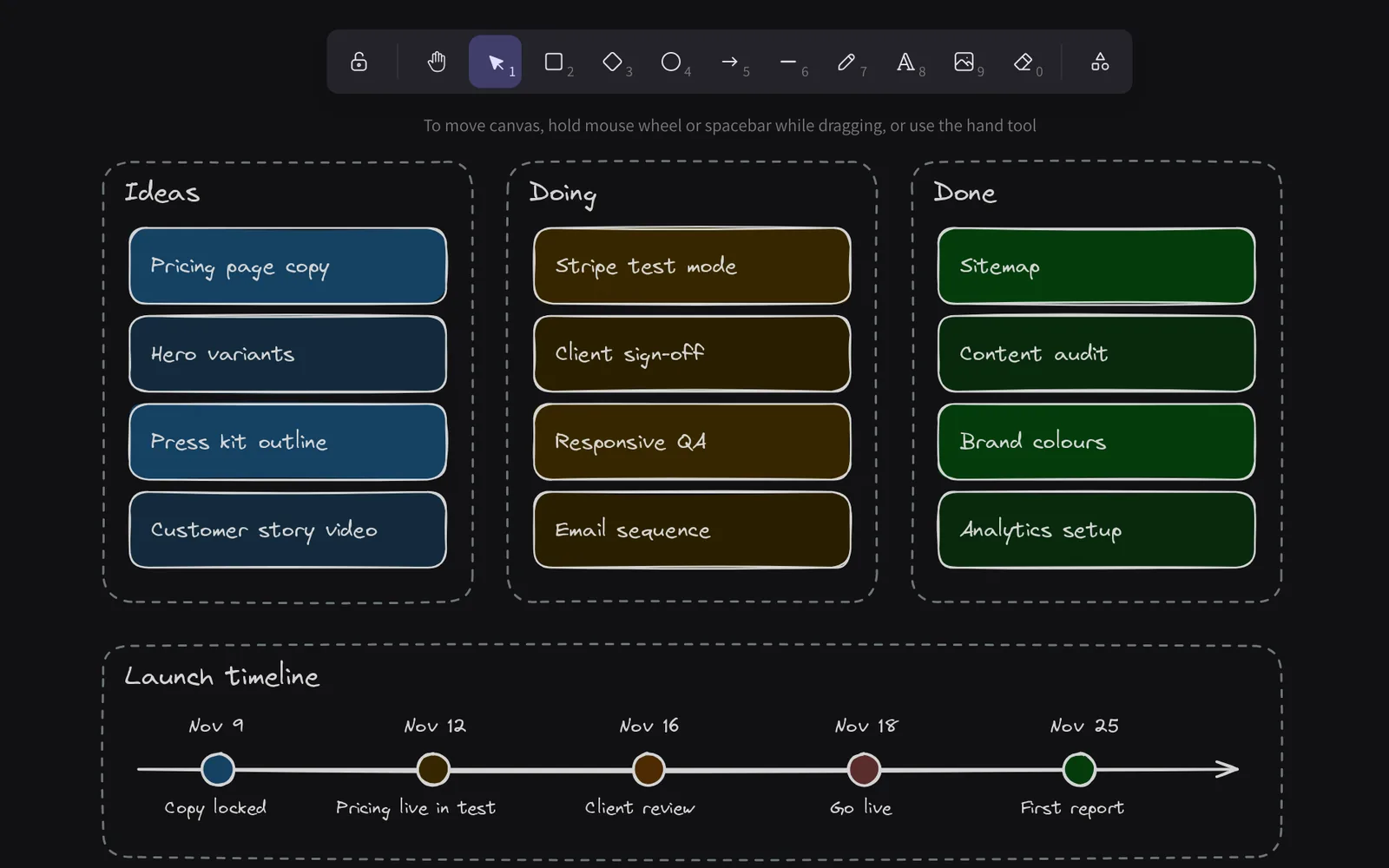
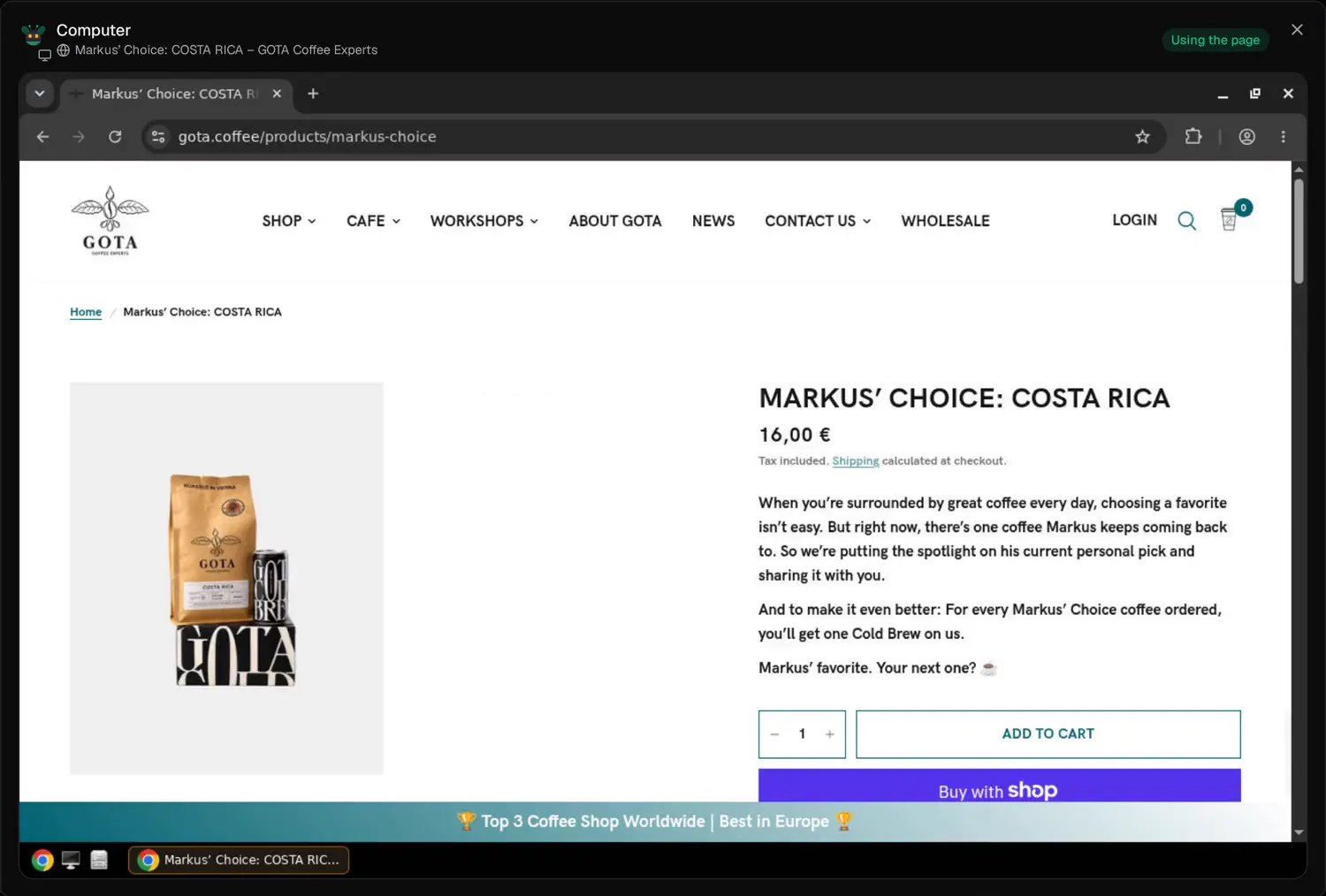
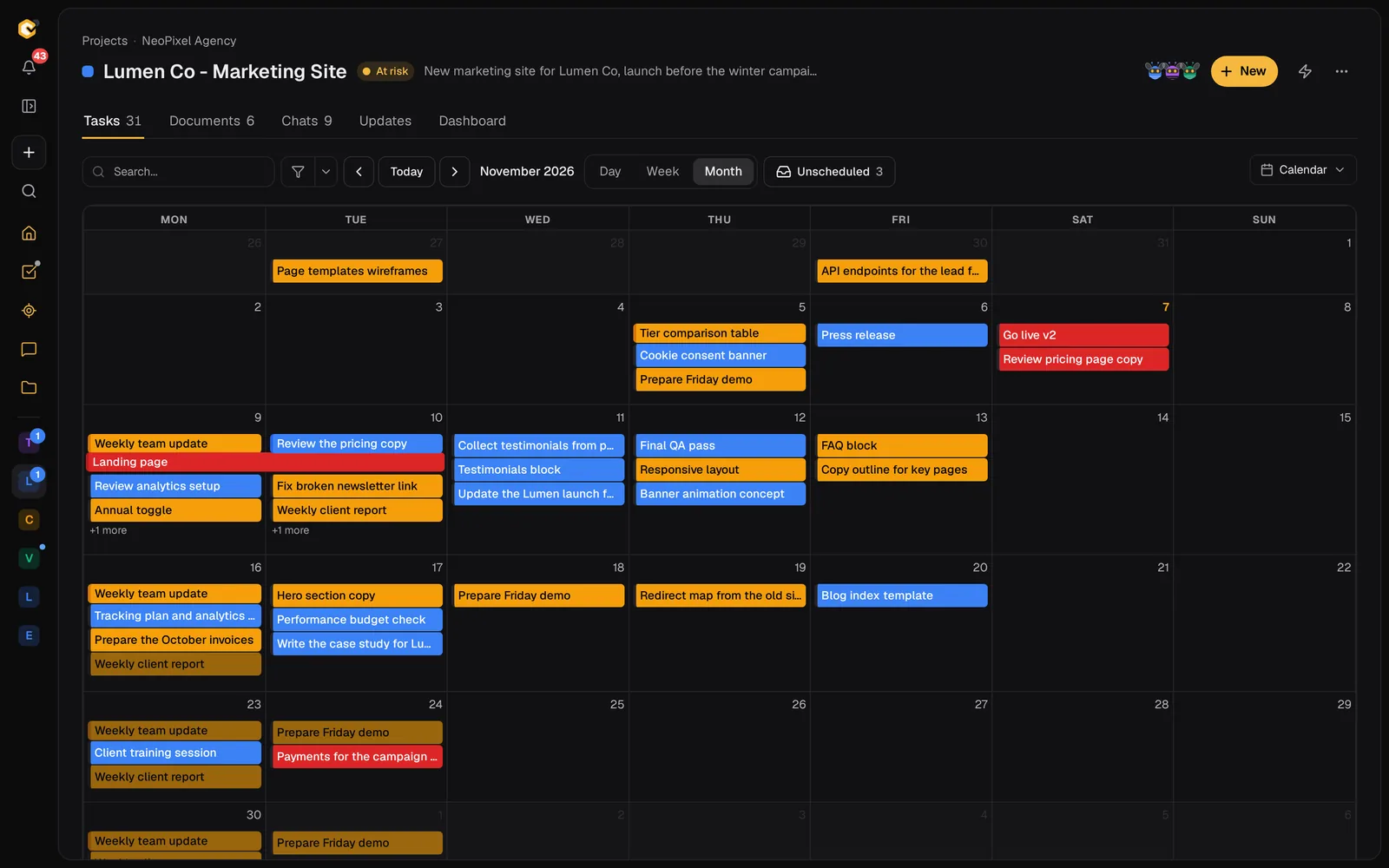
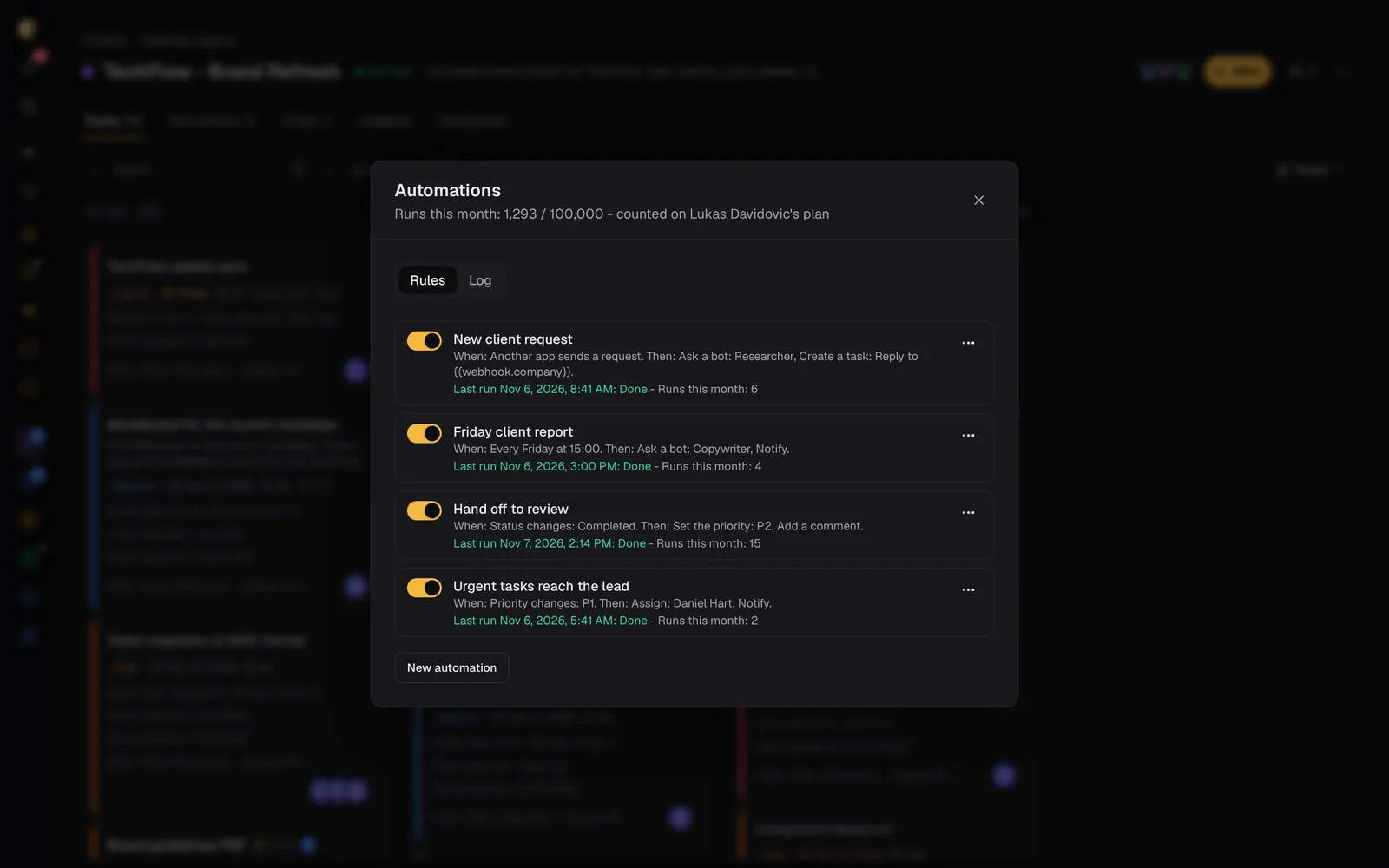
Freelancers use BusyBee.Day as their work app (a project per client, a planner for the week, documents) and hand the work around client work to its bots: research, first drafts, briefs, reports, resizing assets, checking sites, sorting tasks and preparing invoices. Each client gets a project, so bots keep that client's facts and connected accounts separate from the others. The Free plan includes one bot.
Start with the work you postpone
The best first task for a bot is one you know how to do, keep putting off, and can check in a few minutes: a competitor list, a meeting summary turned into tasks, a first draft from your notes, the monthly report.
Write it as a task, assign the bot, and read the result in the comments. If it is close, approve it. If not, say what to change. What it learns about how you like things done stays in that client's project.
Set-up that works for most freelancers
- One project per client, so memory, files and connected accounts stay with that client.
- One bot to start, with a short set of instructions: your name, your tone, what it must never do without asking.
- Connect the one app you use most for that client, and limit it to that project.
- Add a weekday morning plan once you are on Pro, so each day starts with a list.
Questions and answers
Which plan suits a freelancer?
Start on Free with one bot. Basic ($10 a month) gives three bots and 380 credits. Pro ($29 a month) adds the bot computer, schedules and your own AI keys, which most full-time freelancers end up wanting.
Can I keep clients separate?
Yes. Put each client in its own project. Project memory, skills, rules and project-only connections stay in that project.
Can my clients see the bots?
Only if you invite them to the project. A client in a shared project sees bot comments like any other comment.