Whiteboards
Think on a wall that never runs out.
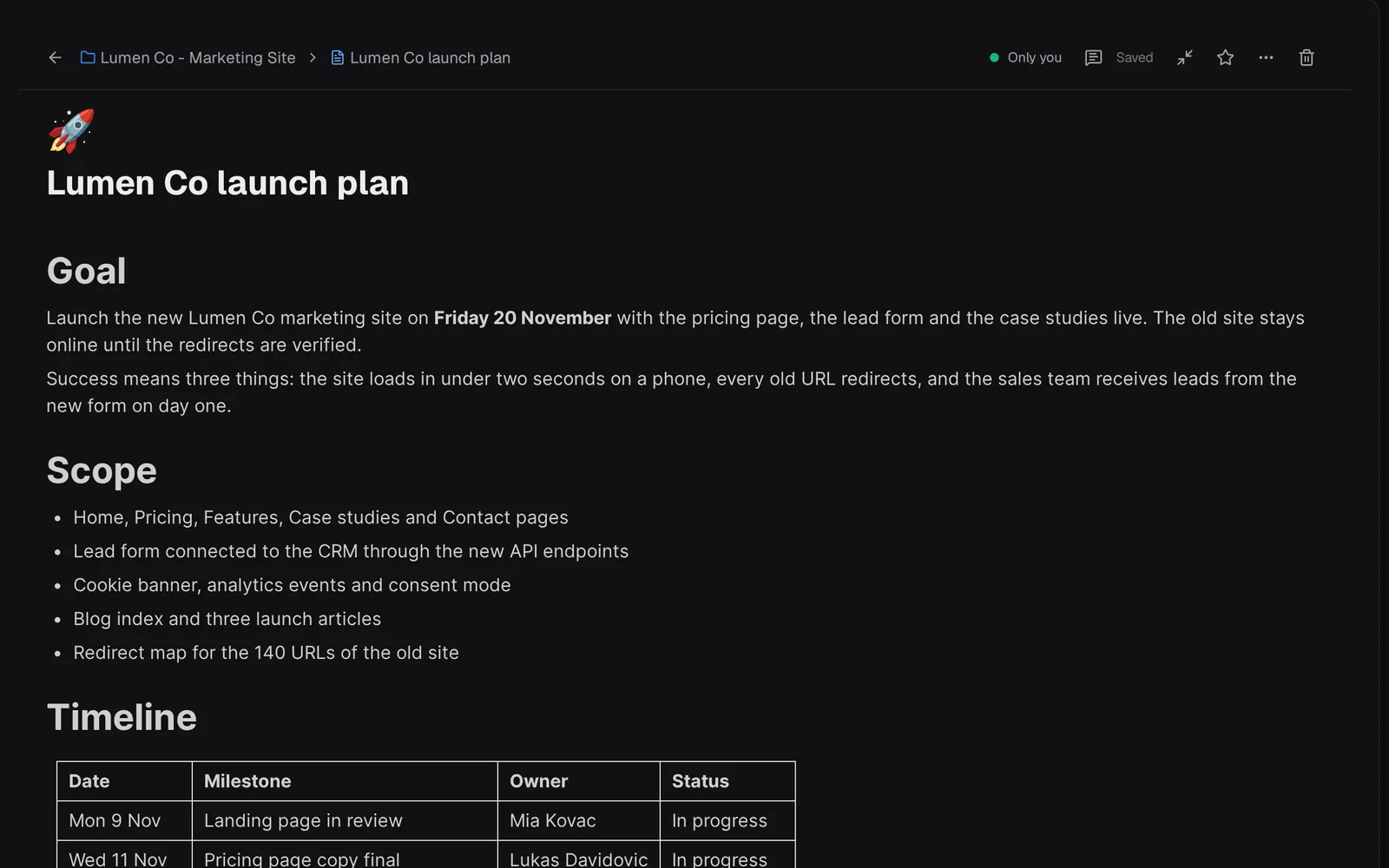
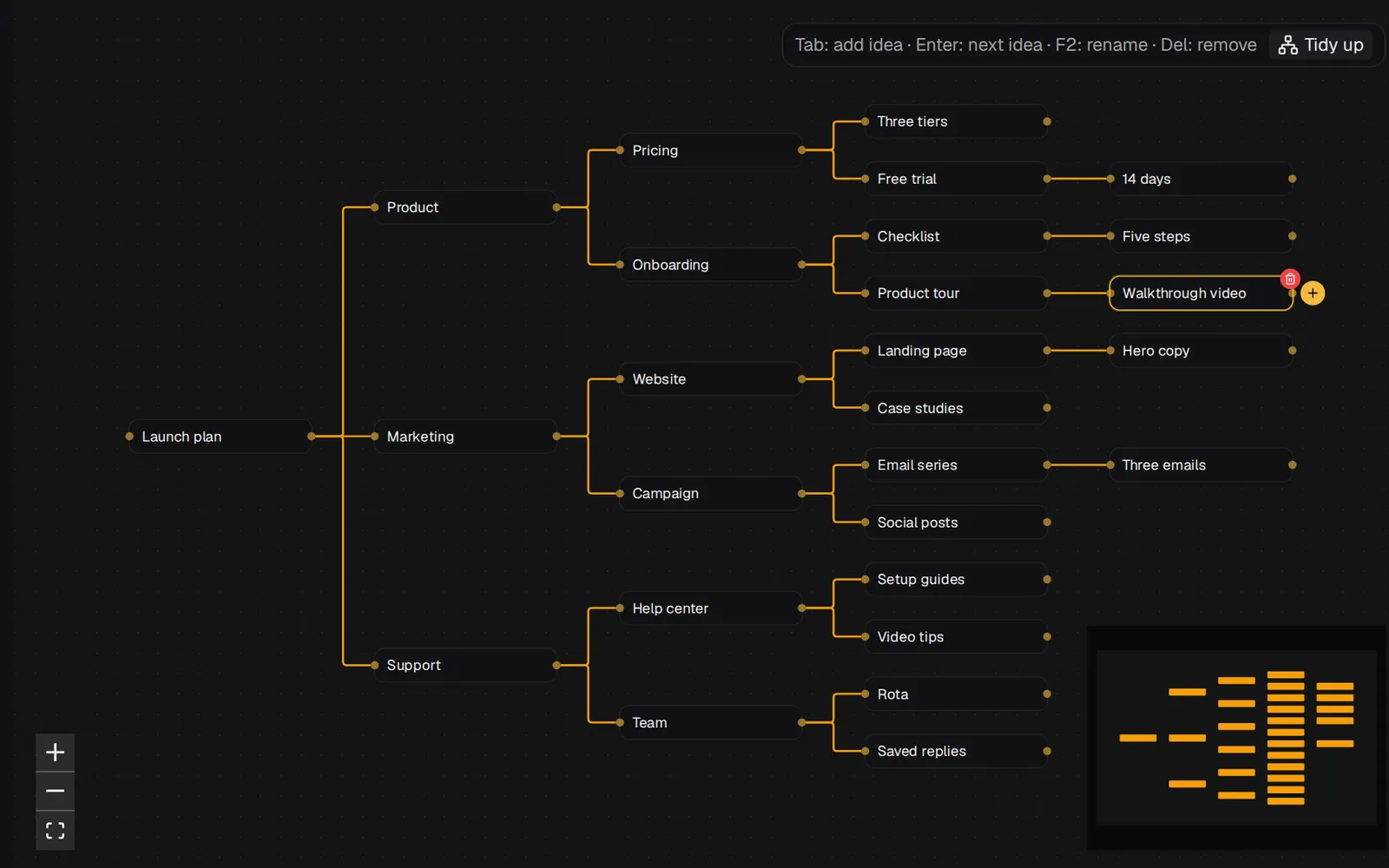
A full Excalidraw board with shapes, arrows and freehand, next to the tasks. Draw together live and save it as PNG or SVG.
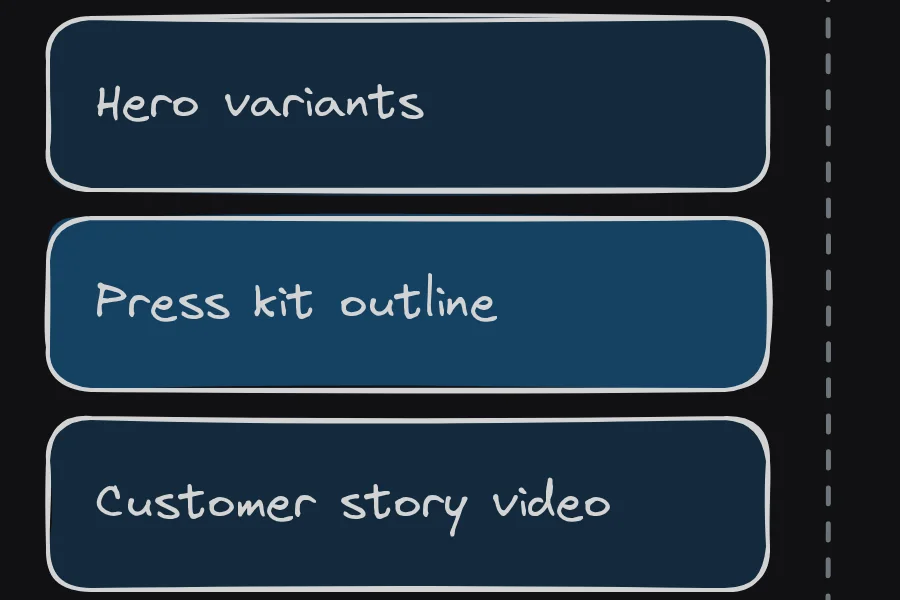
The hand-drawn look
It reads like a sketch, so people dare to change it.
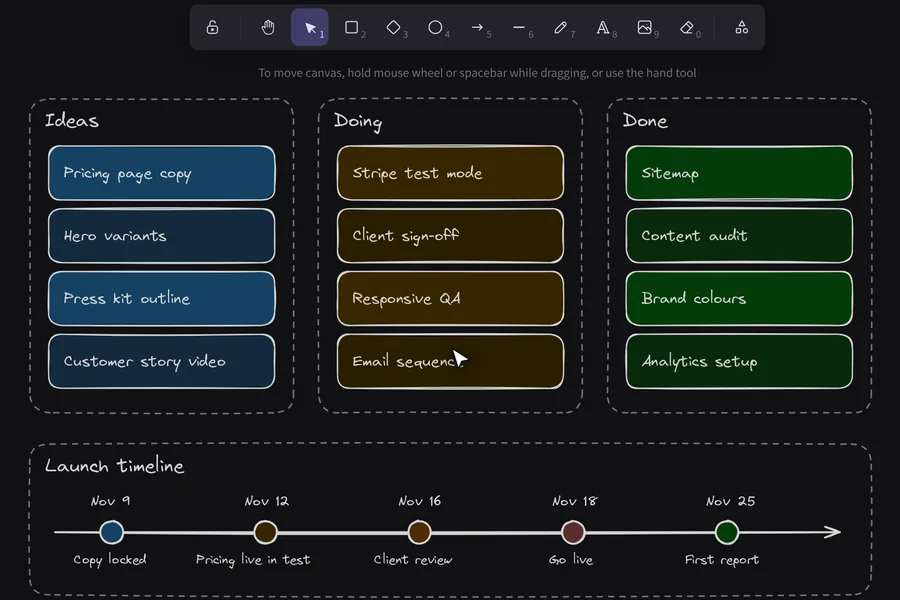
All the tools
Shapes, arrows, text, freehand and images.
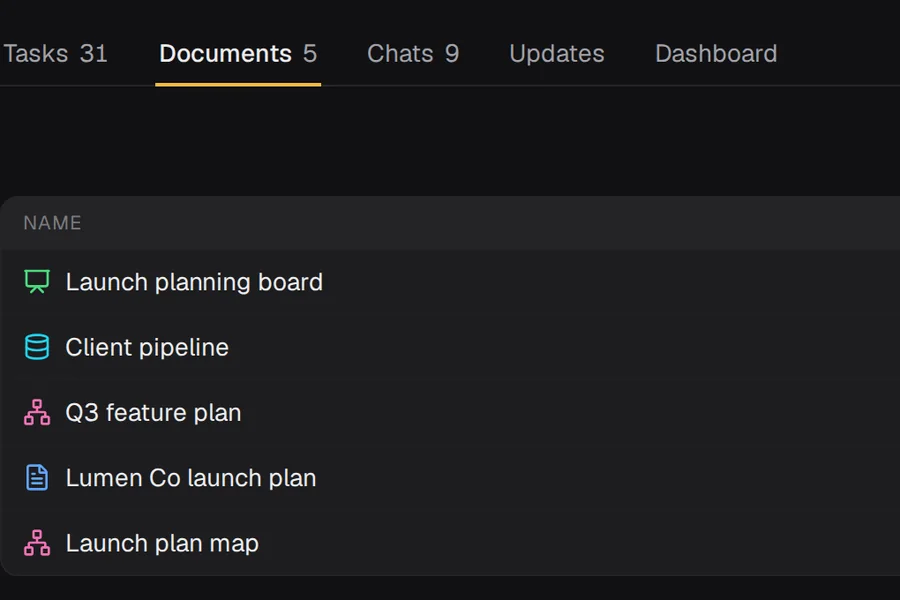
Next to the tasks
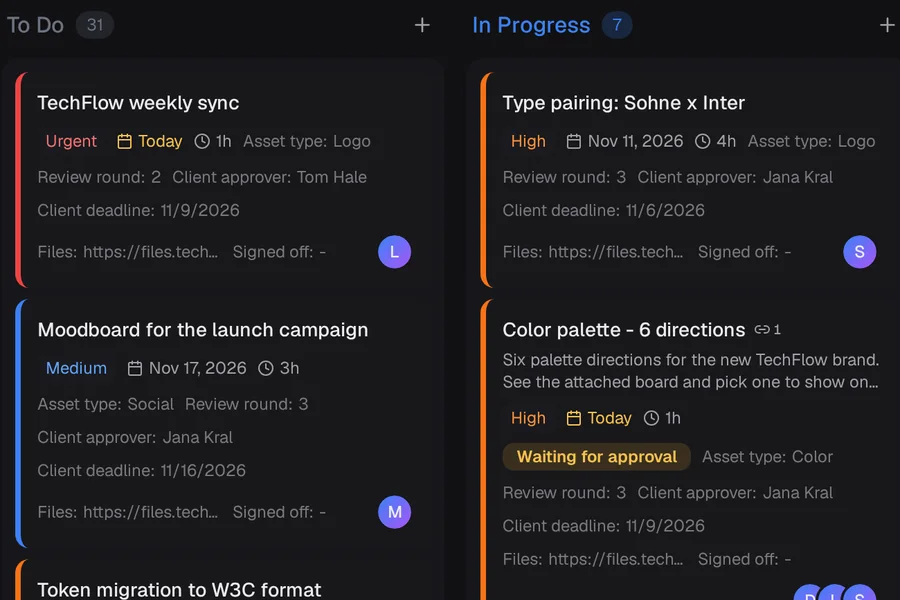
In the project's Documents tab, not in another app.
With a bee on it
Or hand it to a bee.
Every bot can work here too, with the same tools you have. Say what you need and go do something else.
Quick answer
What is Whiteboards?
Draw with shapes, arrows, text, freehand lines and images on an Excalidraw canvas. Several people can draw on the same whiteboard at once, and your work is saved as you go. Save a whiteboard as a PNG or SVG image. Whiteboards are on Basic and up.
An online whiteboard is a freeform canvas for visual thinking: diagrams, sketches and brainstorms. BusyBee.Day's whiteboards use the open-source Excalidraw editor inside your projects, so drawings and tasks live together.
Everything included
Capabilities at a glance
- Excalidraw editor with its hand-drawn look
- Shapes, arrows, text and freehand drawing
- Paste or add images
- In a project's Documents tab, next to its tasks
- Draw together in real time
- Save as PNG or SVG
How it works
How to use whiteboards in BusyBee.Day
- 1
Create a whiteboard
In a project or on the Documents page, create a Whiteboard and name it, for example "Auth flow v3".
- 2
Draw
Use shapes, arrows, text and the pen.
- 3
Draw together
Teammates who open it see each change as it happens.
- 4
Export
Use Save as image to download a PNG or SVG.
Use cases
Who uses Whiteboards?
System architecture diagrams
Sketch services, queues and data stores next to the project's tasks.
Brainstorms
Collect ideas as boxes of text, group them and pick the top three.
User flow sketches
Draw screens with arrows between them, faster than wireframes for a first pass.
Sketching during a call
Open a whiteboard during a call and draw together.
Comparison
BusyBee.Day Whiteboards vs Excalidraw vs Miro vs FigJam
| Capability | BusyBee.Day | Excalidraw | Miro | FigJam |
|---|---|---|---|---|
| Drawing engine | Excalidraw | Excalidraw | Custom | Custom |
| In the same project as the tasks | Yes | No | Yes (task cards on the board) | No |
| Public share link | No | Yes | Yes (view-only on free) | Yes |
| Built into a task app | Yes | No | No (has Kanban task cards) | No |
| Free plan | No (Basic and up) | Yes | 3 editable boards | Limited |
Comparison reflects publicly listed features and pricing as of November 5, 2026. Subject to change.
FAQ
Frequently asked questions
Written by the BusyBee.Day product team. Productivity software product team at BusyBee.Day. Last reviewed November 5, 2026.
Is BusyBee.Day's whiteboard the same as Excalidraw?
It uses the open-source Excalidraw editor. The difference is where it lives: inside your BusyBee.Day projects, with the same sign-in and team access.
Can I export a whiteboard?
Yes. Save as image downloads it as a PNG or SVG.
Can multiple people edit at the same time?
Yes. Several people can draw on the same whiteboard at once.
Which plans include whiteboards?
Basic, Pro, Max and Team.