Mindmaps
Ideas as fast as you can type.
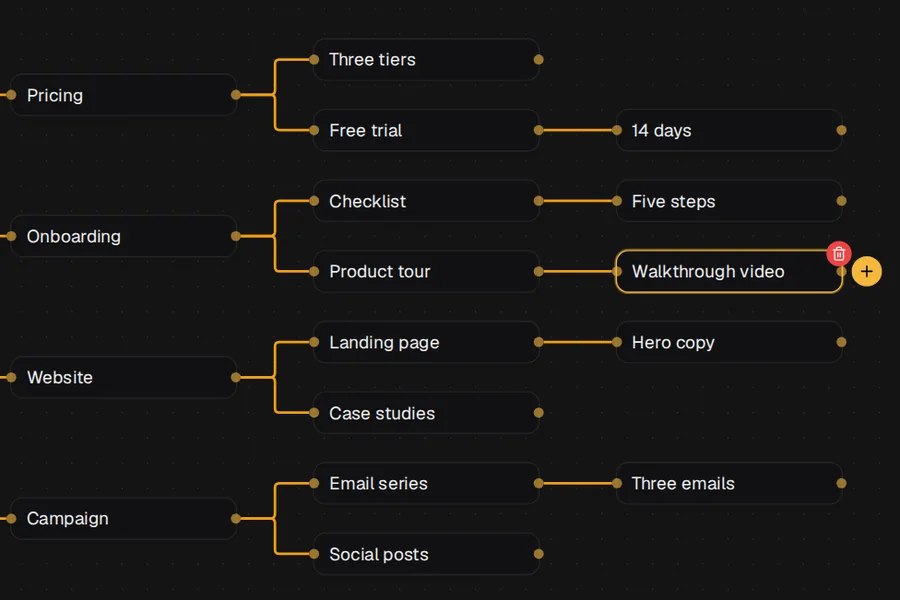
Tab adds a branch, Enter the next idea, F2 renames. Tidy up arranges it all, and the team can edit with you live.
Built from the keyboard
Your hands stay on the keys.
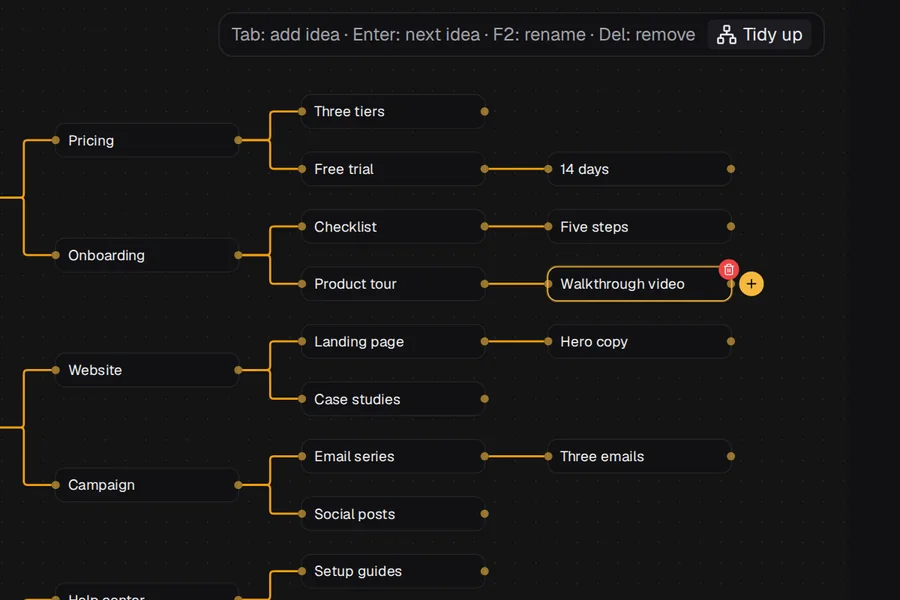
Tidy up
One click arranges the whole map.
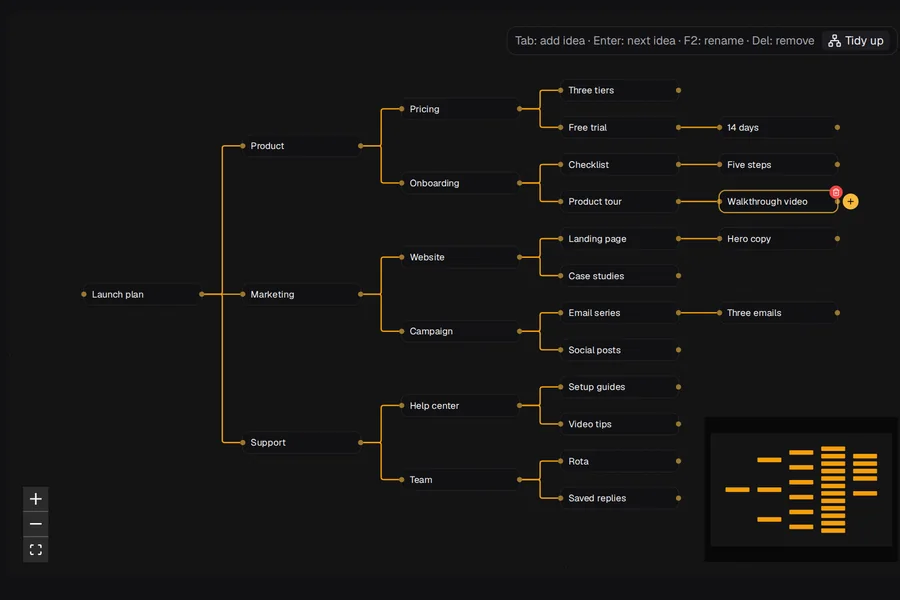
Big maps stay clear
Zoom, pan and a small map of the whole thing.
With a bee on it
Or hand it to a bee.
Every bot can work here too, with the same tools you have. Say what you need and go do something else.
Quick answer
What is Mindmaps?
Start from a central topic and add branches from the keyboard: Tab adds a child, Enter a sibling, F2 renames and Delete removes. Tidy up lays the map out again. Several people can edit the same mindmap at once. Mindmaps are on Basic and up.
A mindmap is a diagram with a central topic and branches, used to brainstorm and structure ideas. In BusyBee.Day it sits in the same project as the tasks that come out of it.
Everything included
Capabilities at a glance
- Central topic with branches and sub-branches
- Tab adds a child, Enter adds a sibling
- F2 or Space renames, Delete removes
- Tidy up to arrange the map
- Edit together in real time
- In a project's Documents tab
How it works
How to use mindmaps in BusyBee.Day
- 1
Create a mindmap
In a project or on the Documents page, create a Mindmap and type the central topic, for example "Q3 marketing campaign".
- 2
Add branches
Tab adds a branch under the selected one, Enter adds one beside it.
- 3
Tidy up
Press Tidy up to arrange the branches.
- 4
Turn it into work
Add the tasks that come out of it to the same project.
Use cases
Who uses Mindmaps?
Feature brainstorm
The new feature in the center; branches for use cases, edge cases and dependencies.
Content outline
The article topic in the center, sections as branches and points as leaves.
Decision tree
Map "Should we launch in the EU?" with branches for cost, legal, timing and team capacity.
Retro themes
In the center: "What slowed us down?". Branches: blockers, surprises, lessons.
FAQ
Frequently asked questions
Written by the BusyBee.Day product team. Productivity software product team at BusyBee.Day. Last reviewed October 30, 2026.
How is a mindmap different from a whiteboard?
Whiteboards are freeform: anything goes. Mindmaps are a tree: a central topic with branches. Use a mindmap to outline, a whiteboard to sketch.
Can I convert a mindmap node into a task?
Not directly. Add the tasks in the same project; the mindmap stays in its Documents tab next to them.
Can I export a mindmap?
There is no image export for mindmaps. Your data export (Settings > Data & Privacy) includes them.